Free Online Photo Pixel Resizer: Resize Images Without Losing Quality (2026)
Table of Contents
Upload, set dimensions, lock aspect ratio, download. A browser-based photo pixel resizer like BIRME or WebToolTrix completes this in milliseconds using client-side processing — your photos never leave your device.
4-Step Workflow: Upload → Set → Lock → Download
- Upload — Drag and drop files into the resizer.
- Set dimensions — Enter target width/height (e.g., 1920×1080).
- Lock aspect ratio — Ensures proportional scaling, no distortion.
- Download — Export as JPG, PNG, or WebP.
As FastTool notes: “An image displayed at 400px wide but delivered at 2000px wastes 96% of the downloaded pixels.” Resizing to actual display dimensions eliminates this waste.
Aspect Ratio Lock: The Critical Setting
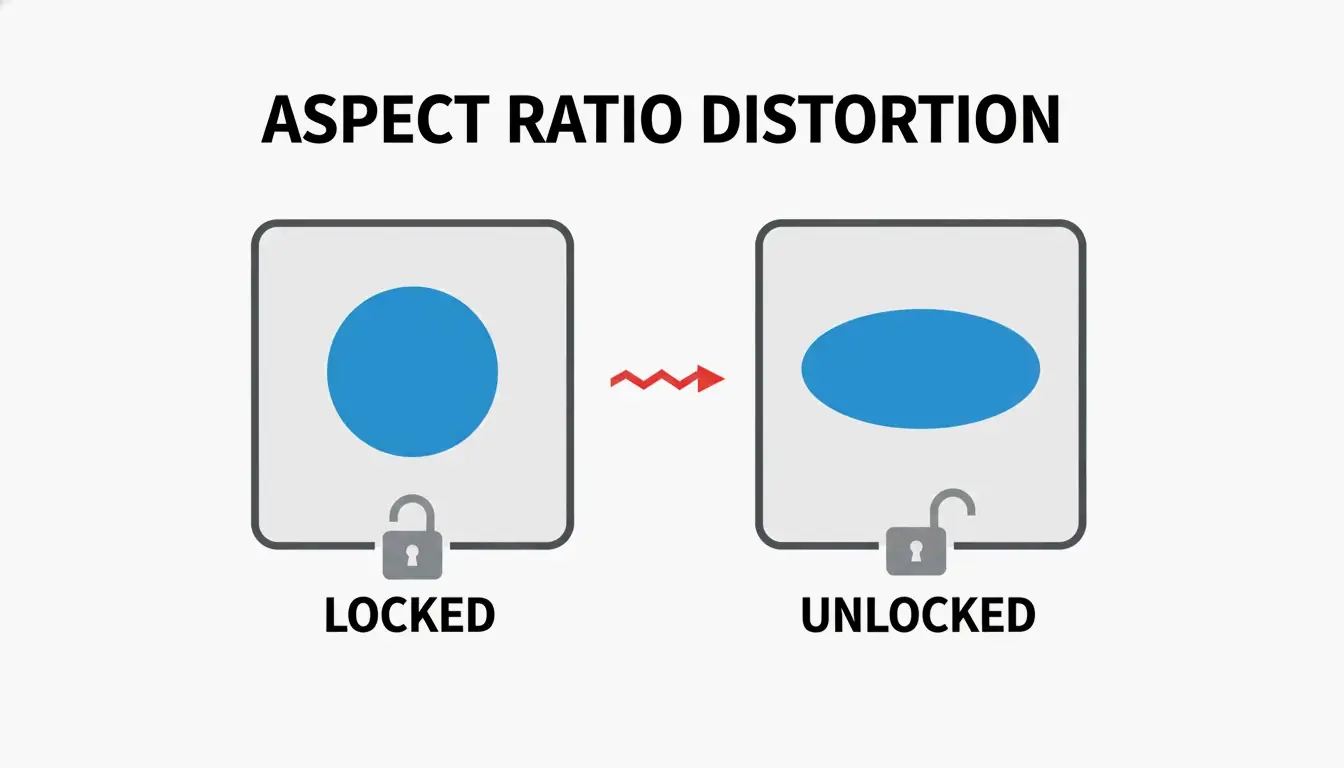
When you change width from 1920px to 800px with aspect ratio locked, height auto-adjusts to 450px. Unlocking the chain icon causes stretching and distortion.
Client-Side Privacy
Modern resizers use the HTML5 Canvas API for in-browser processing. As FreeConverto confirms, this means sensitive images (ID photos, personal portraits) never leave your device — zero server-side data risk.
2026 Social Media Dimension Presets
| Platform | Format | Dimensions (px) | Aspect Ratio |
|---|---|---|---|
| Square Post | 1080 × 1080 | 1:1 | |
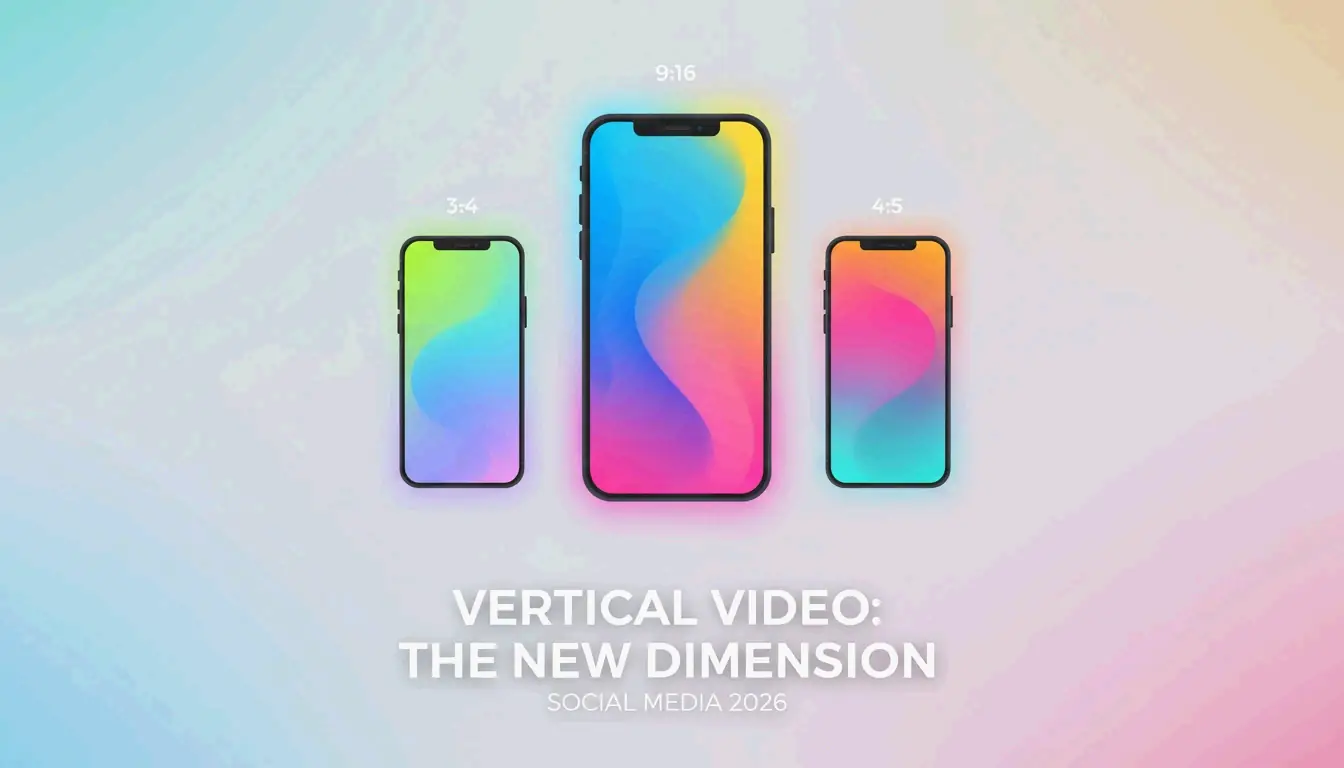
| Story / Reels | 1080 × 1920 | 9:16 | |
| TikTok | Video Cover | 1080 × 1920 | 9:16 |
| YouTube | Thumbnail | 1280 × 720 | 16:9 |
| Shared Post | 1200 × 630 | 1.91:1 | |
| Profile Banner | 1584 × 396 | 4:1 |
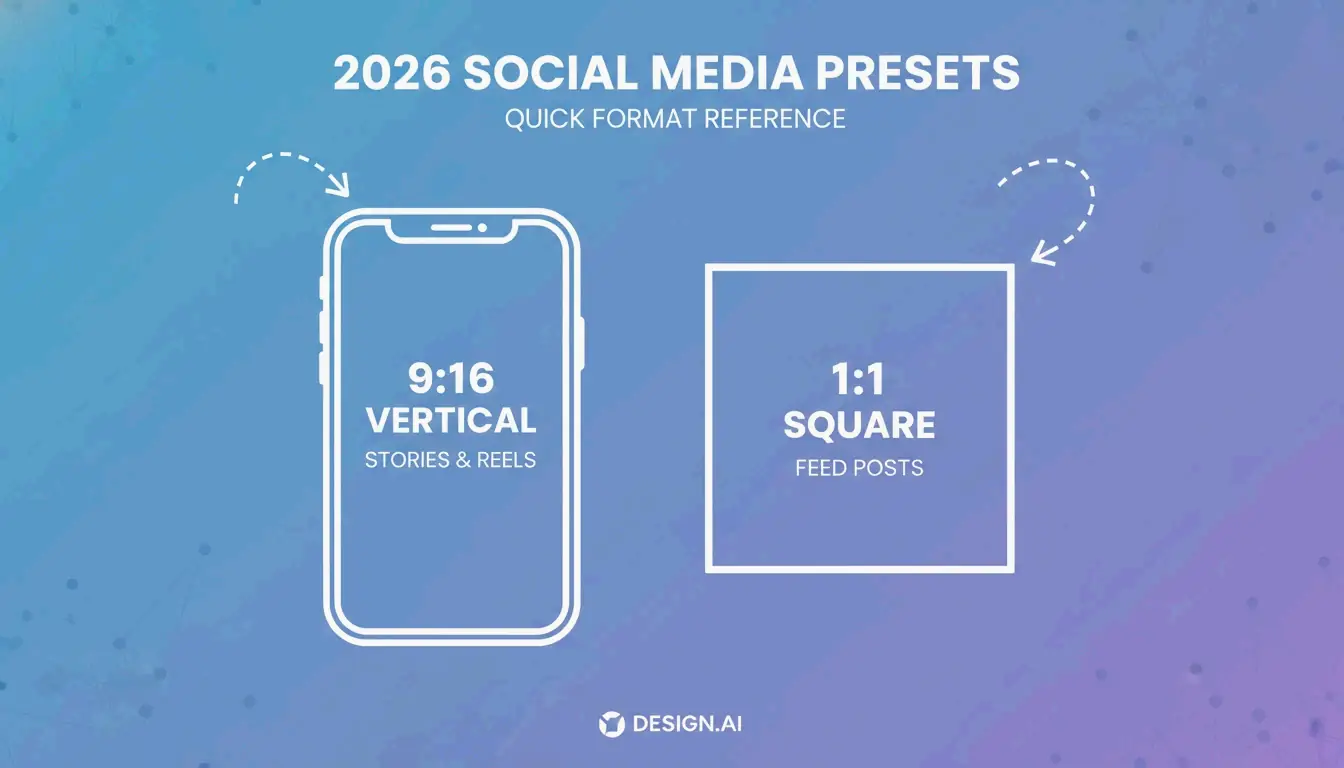
Using platform-native dimensions prevents auto-cropping and compression artifacts.
Format Selection
| Format | Best For | Size vs. JPEG |
|---|---|---|
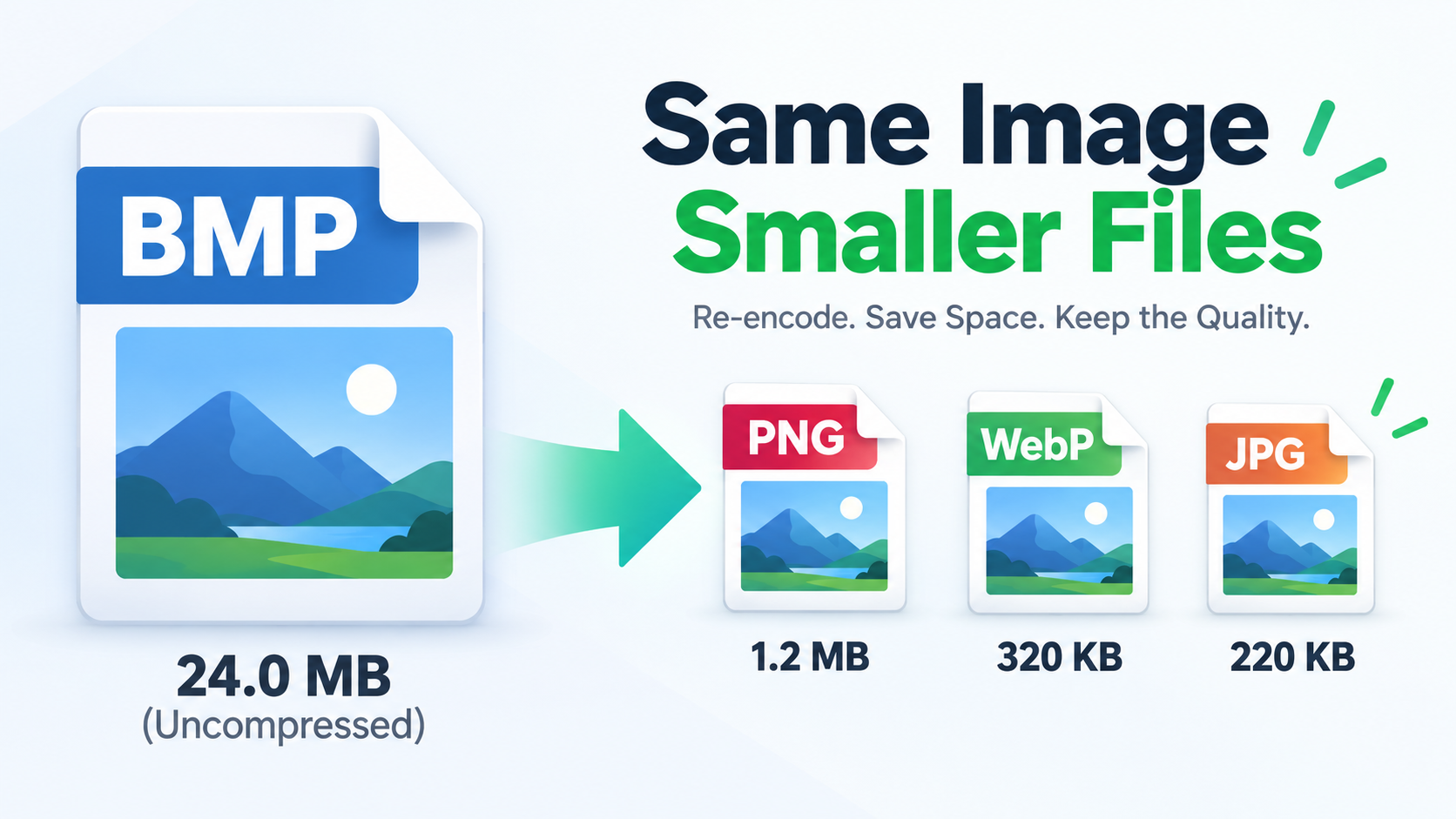
| WebP | Web performance, transparency | 25-35% smaller |
| PNG | Logos, text graphics (lossless) | Larger, but pixel-perfect |
| JPEG | Universal compatibility | Baseline |
| AVIF | Maximum compression | Up to 50% smaller |
Batch / Bulk Resizing
BIRME (50,000+ monthly users) applies one set of dimensions to an entire folder, then bundles results into a single ZIP download.
Downscaling vs. Upscaling
| Direction | Method | Result |
|---|---|---|
| Downscaling (larger → smaller) | Data removal | Sharp, clean output |
| Upscaling (smaller → larger) | Interpolation (Lanczos, Bicubic) | Often blurry or pixelated |
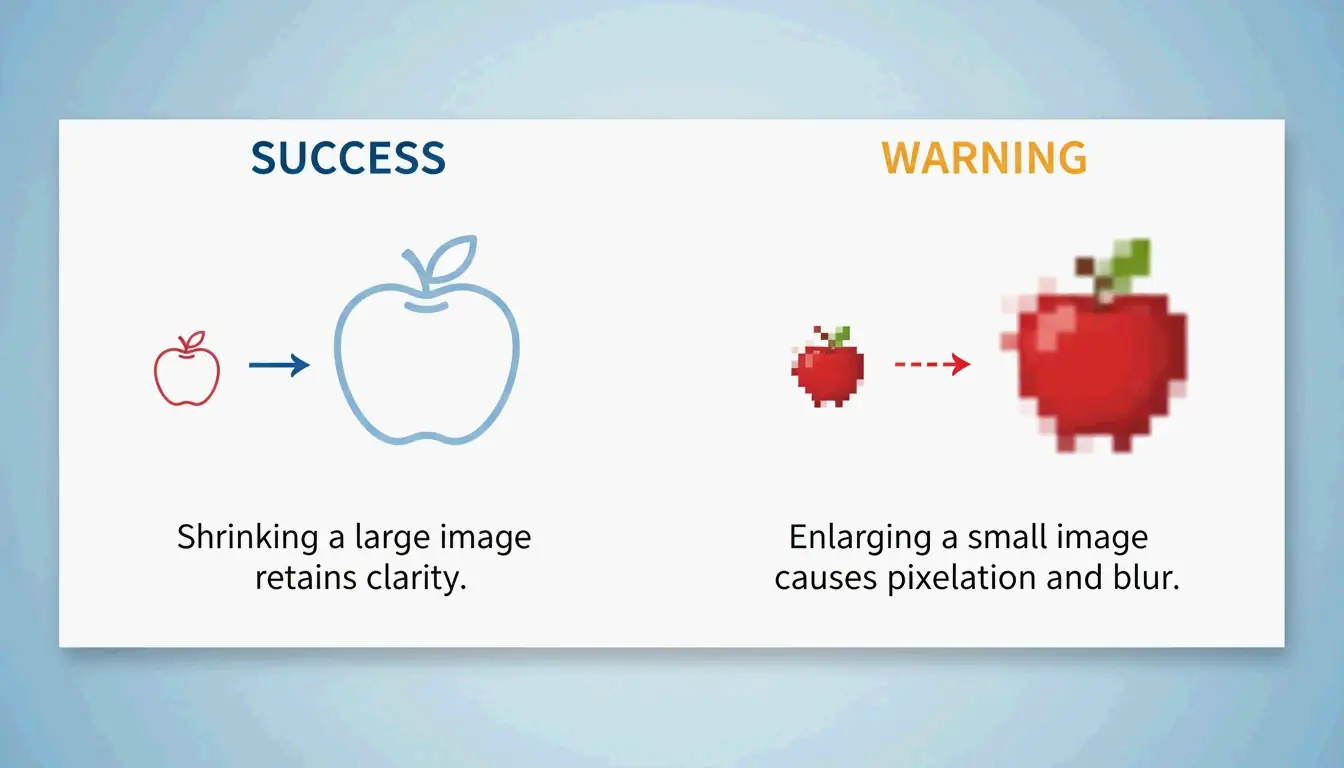
For upscaling, use a dedicated AI upscaler — standard resizers are not designed for enlargement.
KB Target Mode and Print DPI
Government Portal KB Limits
Many portals require images under 20KB or 50KB. Tools like WebToolTrix adjust dimensions and compression iteratively until hitting the exact target.
Print DPI
| Use Case | DPI | A4 Pixel Dimensions |
|---|---|---|
| Screen/Web | 72-96 DPI | N/A |
| Professional print | 300 DPI | 2480 × 3508 px |
Modern resizers also support HEIC/HEIF decoding — upload iPhone photos directly and convert for web.
Conclusion
Resize photos by pixels using the Upload → Set → Lock → Download workflow. Lock aspect ratio to prevent distortion. Use social media presets for platform-native dimensions. For bulk work, use BIRME with ZIP batch download. For KB-limited uploads, use tools with target mode. Export as WebP for web, PNG for logos, and JPEG for universal compatibility.
FAQ
What is the difference between resizing and cropping?
Resizing changes the overall pixel dimensions while preserving the entire image. Cropping removes portions of the image to change the framing or aspect ratio. Resizing a 4000px image to 1200px keeps all content but at lower resolution.
Can I enlarge a small photo without losing quality?
Standard resizers use interpolation (Lanczos, Bicubic) which produces blurry results when upscaling. For quality enlargement, use AI-powered upscalers that reconstruct detail using machine learning models rather than mathematical interpolation.
How do I resize a photo to a specific file size (e.g., under 20KB)?
Use a resizer with KB/MB target mode. The tool iteratively adjusts dimensions and compression quality until the output meets your exact size requirement. This is essential for government portals and job applications with strict upload limits.
About the Author
Indie Hacker & DeveloperI'm an indie hacker building iOS and web applications, with a focus on creating practical SaaS products. I specialize in AI SEO, constantly exploring how intelligent technologies can drive sustainable growth and efficiency.
Last reviewed May 16, 2026. This article is reviewed for accuracy and updated when tooling or platform behavior changes.