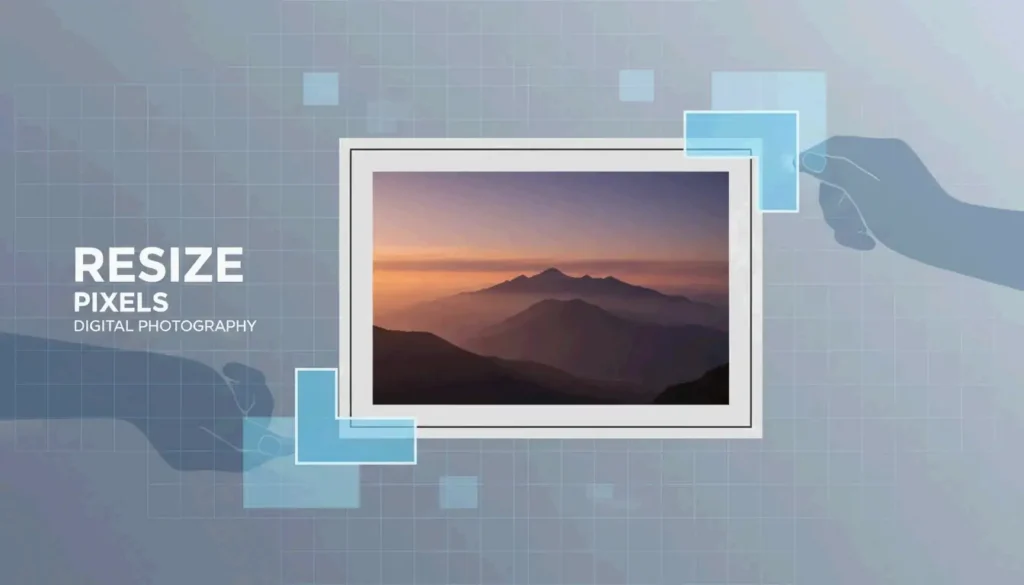
A clean, modern visual of a digital image being precisely scaled

Free Online Photo Pixel Resizer: Resize Images Without Losing Quality (2026)

发布于 2026年4月18日 更新于 2026年5月16日 约 3 分钟阅读

目录

Upload, set dimensions, lock aspect ratio, download. A browser-based photo pixel resizer like BIRME or WebToolTrix completes this in milliseconds using client-side processing — your photos never leave your device.

4-Step Workflow: Upload → Set → Lock → Download

  1. Upload — Drag and drop files into the resizer.
  2. Set dimensions — Enter target width/height (e.g., 1920×1080).
  3. Lock aspect ratio — Ensures proportional scaling, no distortion.
  4. Download — Export as JPG, PNG, or WebP.

As FastTool notes: “An image displayed at 400px wide but delivered at 2000px wastes 96% of the downloaded pixels.” Resizing to actual display dimensions eliminates this waste.

Aspect Ratio Lock: The Critical Setting

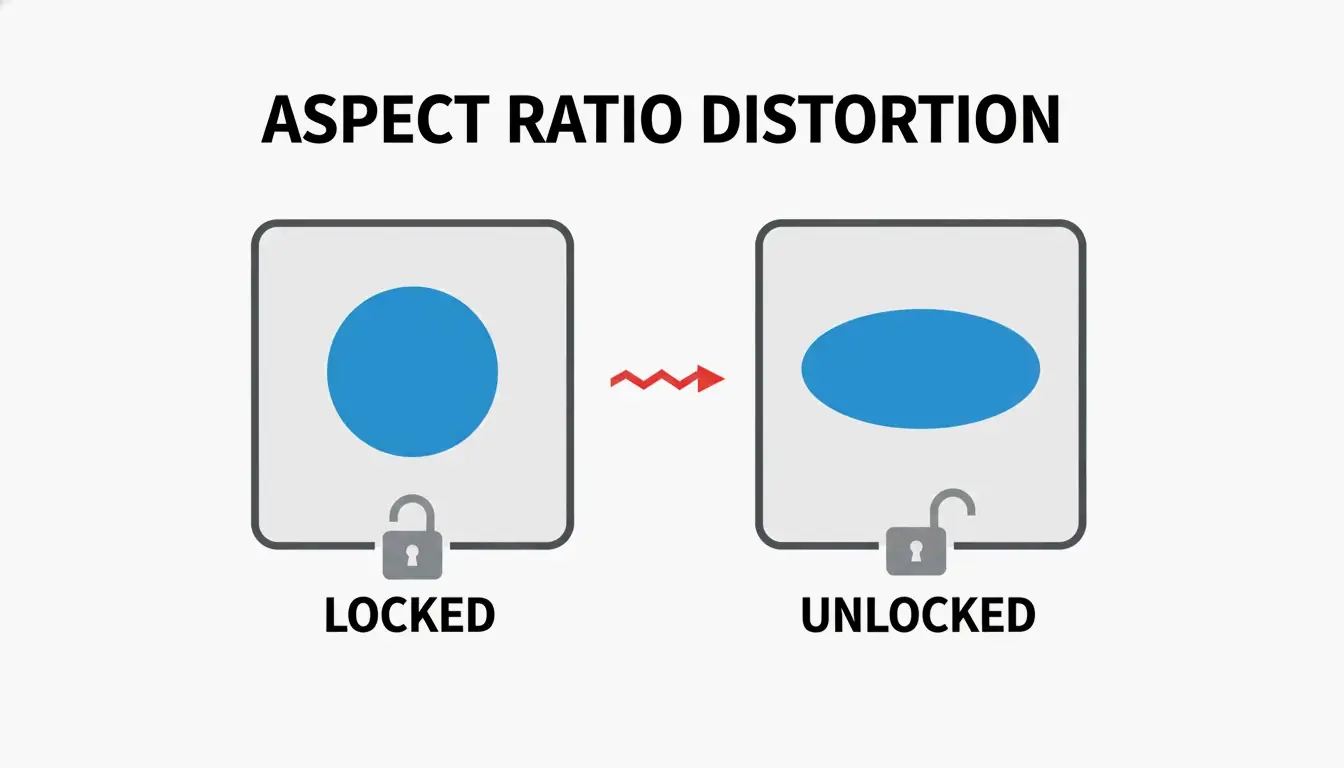
Locked vs. unlocked aspect ratio comparison

When you change width from 1920px to 800px with aspect ratio locked, height auto-adjusts to 450px. Unlocking the chain icon causes stretching and distortion.

Client-Side Privacy

Modern resizers use the HTML5 Canvas API for in-browser processing. As FreeConverto confirms, this means sensitive images (ID photos, personal portraits) never leave your device — zero server-side data risk.

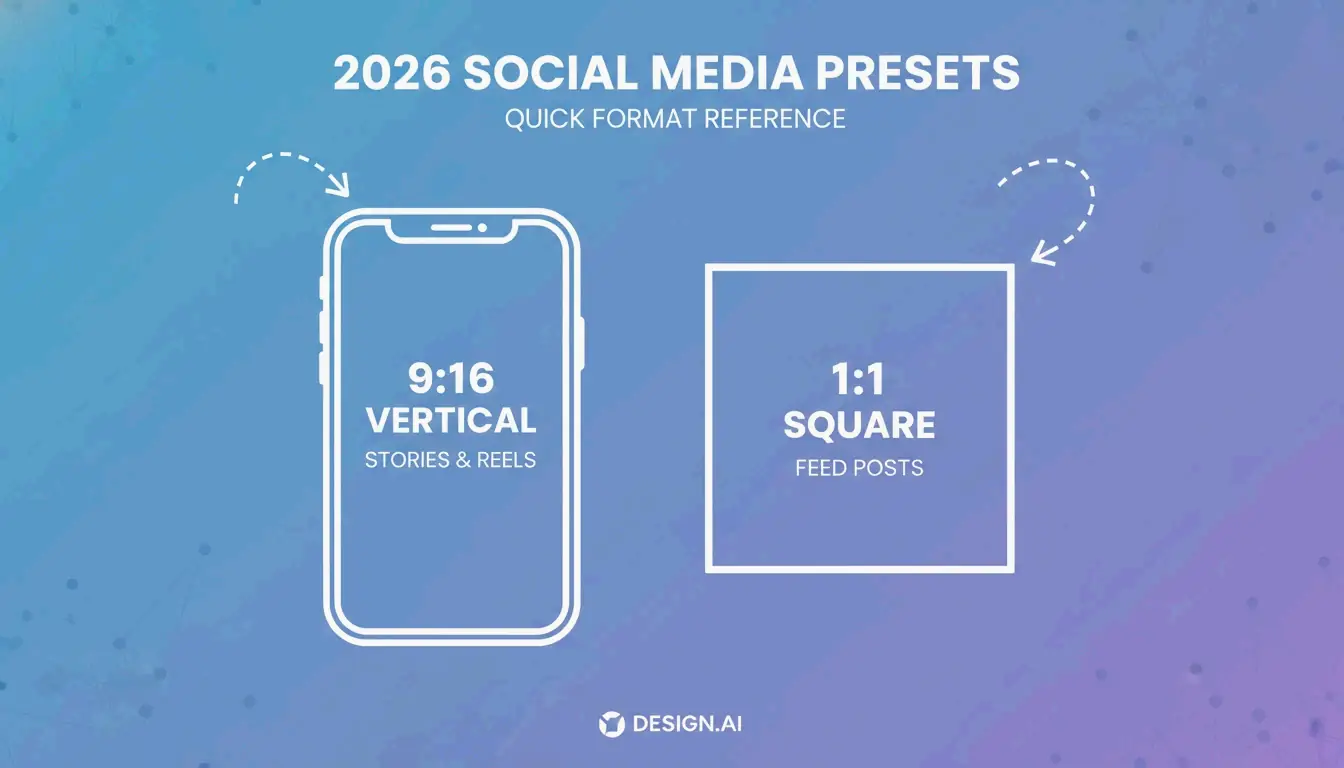
2026 Social Media Dimension Presets

Platform Format Dimensions (px) Aspect Ratio
Instagram Square Post 1080 × 1080 1:1
Instagram Story / Reels 1080 × 1920 9:16
TikTok Video Cover 1080 × 1920 9:16
YouTube Thumbnail 1280 × 720 16:9
Facebook Shared Post 1200 × 630 1.91:1
LinkedIn Profile Banner 1584 × 396 4:1

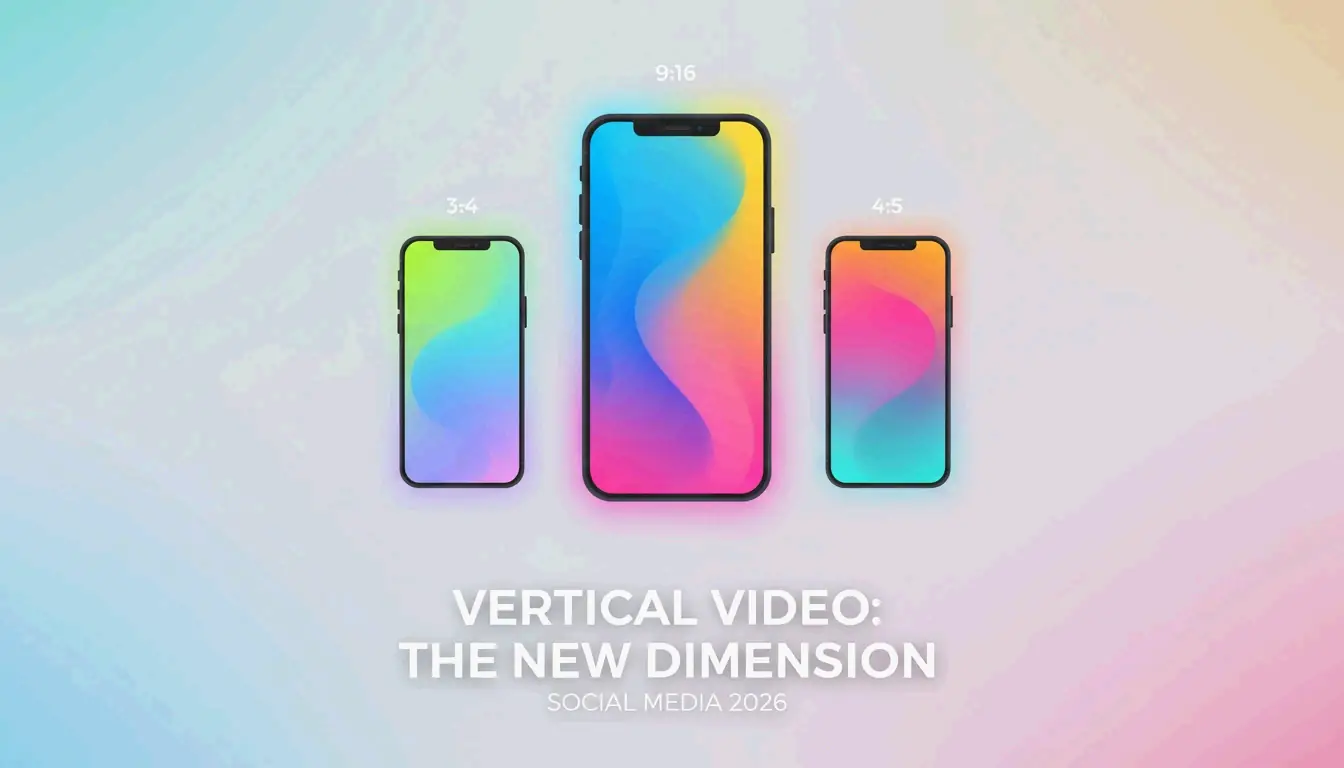
Common social media aspect ratios

Using platform-native dimensions prevents auto-cropping and compression artifacts.

Format Selection

Format Best For Size vs. JPEG
WebP Web performance, transparency 25-35% smaller
PNG Logos, text graphics (lossless) Larger, but pixel-perfect
JPEG Universal compatibility Baseline
AVIF Maximum compression Up to 50% smaller

Batch / Bulk Resizing

BIRME (50,000+ monthly users) applies one set of dimensions to an entire folder, then bundles results into a single ZIP download.

Downscaling vs. Upscaling

Direction Method Result
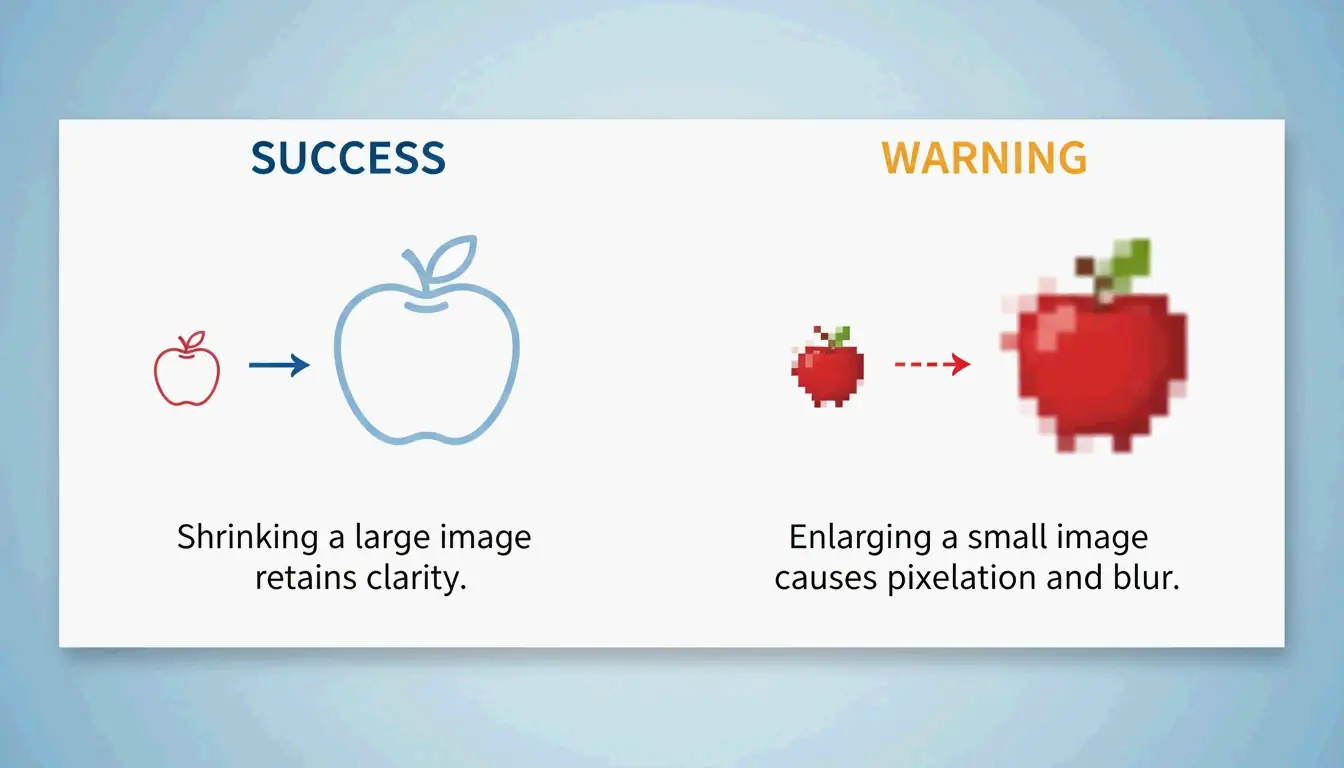
Downscaling (larger → smaller) Data removal Sharp, clean output
Upscaling (smaller → larger) Interpolation (Lanczos, Bicubic) Often blurry or pixelated

Downscaling (sharp) vs. upscaling (blurry)

For upscaling, use a dedicated AI upscaler — standard resizers are not designed for enlargement.

KB Target Mode and Print DPI

Government Portal KB Limits

Many portals require images under 20KB or 50KB. Tools like WebToolTrix adjust dimensions and compression iteratively until hitting the exact target.

Use Case DPI A4 Pixel Dimensions
Screen/Web 72-96 DPI N/A
Professional print 300 DPI 2480 × 3508 px

Modern resizers also support HEIC/HEIF decoding — upload iPhone photos directly and convert for web.

Conclusion

Resize photos by pixels using the Upload → Set → Lock → Download workflow. Lock aspect ratio to prevent distortion. Use social media presets for platform-native dimensions. For bulk work, use BIRME with ZIP batch download. For KB-limited uploads, use tools with target mode. Export as WebP for web, PNG for logos, and JPEG for universal compatibility.

FAQ

What is the difference between resizing and cropping?

Resizing changes the overall pixel dimensions while preserving the entire image. Cropping removes portions of the image to change the framing or aspect ratio. Resizing a 4000px image to 1200px keeps all content but at lower resolution.

Can I enlarge a small photo without losing quality?

Standard resizers use interpolation (Lanczos, Bicubic) which produces blurry results when upscaling. For quality enlargement, use AI-powered upscalers that reconstruct detail using machine learning models rather than mathematical interpolation.

How do I resize a photo to a specific file size (e.g., under 20KB)?

Use a resizer with KB/MB target mode. The tool iteratively adjusts dimensions and compression quality until the output meets your exact size requirement. This is essential for government portals and job applications with strict upload limits.

SJ

关于作者

独立开发者

我是一名独立开发者,专注于构建 iOS 和 Web 应用程序,致力于打造实用的 SaaS 产品。我擅长 AI SEO,不断探索智能技术如何推动可持续增长和效率提升。

最近审阅时间 2026年5月16日. 当工具行为、平台规则或最佳实践变化时,我们会复查并更新本文。

分享文章