ソーシャルメディアで画像を公開する前に EXIF データを必ず削除すべき理由
目次
2026年5月時点で、公開前に EXIF データを削除すべき理由は、多くのプラットフォームがあなたの GPS 座標を追跡目的で内部データベースに保持しているからです。たとえ公開表示ではそれを隠していたとしてもです。さらに、WhatsApp の「ドキュメント(Document)」モードのような特定の共有方法や、サードパーティの予約ツールはクリーニング処理を完全にスキップすることが多く、あなたの正確な位置が受信者やハッカーから見える状態になってしまいます。
隠れたリスク:ソーシャルメディアで画像を公開する前に EXIF を削除すべき理由
メタデータを削除する最大の理由は、EXIF(Exchangeable Image File Format、エクスチェンジャブル イメージ ファイル フォーマット) がデジタル指紋のように機能するからです。これには通常 GPS 座標(GPS Coordinates) が含まれており、あなたがいた場所を数メートル以内で正確に特定できます。Instagram や X (Twitter) のような大手は画像をフィルタリングしてあなたを保護すると主張していますが、これは多くの場合表面的な対策にすぎず、企業が自社用に保持するデータには適用されません。
「内部保持(Internal Retention)」の罠を理解する
2026年の大きなリスクは、一般向けにデータを「削除(ストリップ)」しても、データが本当に削除されるわけではないということです。Fastio によれば、写真をアップロードした瞬間に、プラットフォームは元の完全なファイルを取り込みます。Meta や X といった企業の 内部保持(Internal Retention) ポリシーは、フォロワーがこうした詳細を決して見なくても、広告ターゲティングや習慣の追跡のために元の GPS データを保存することを許容しています。
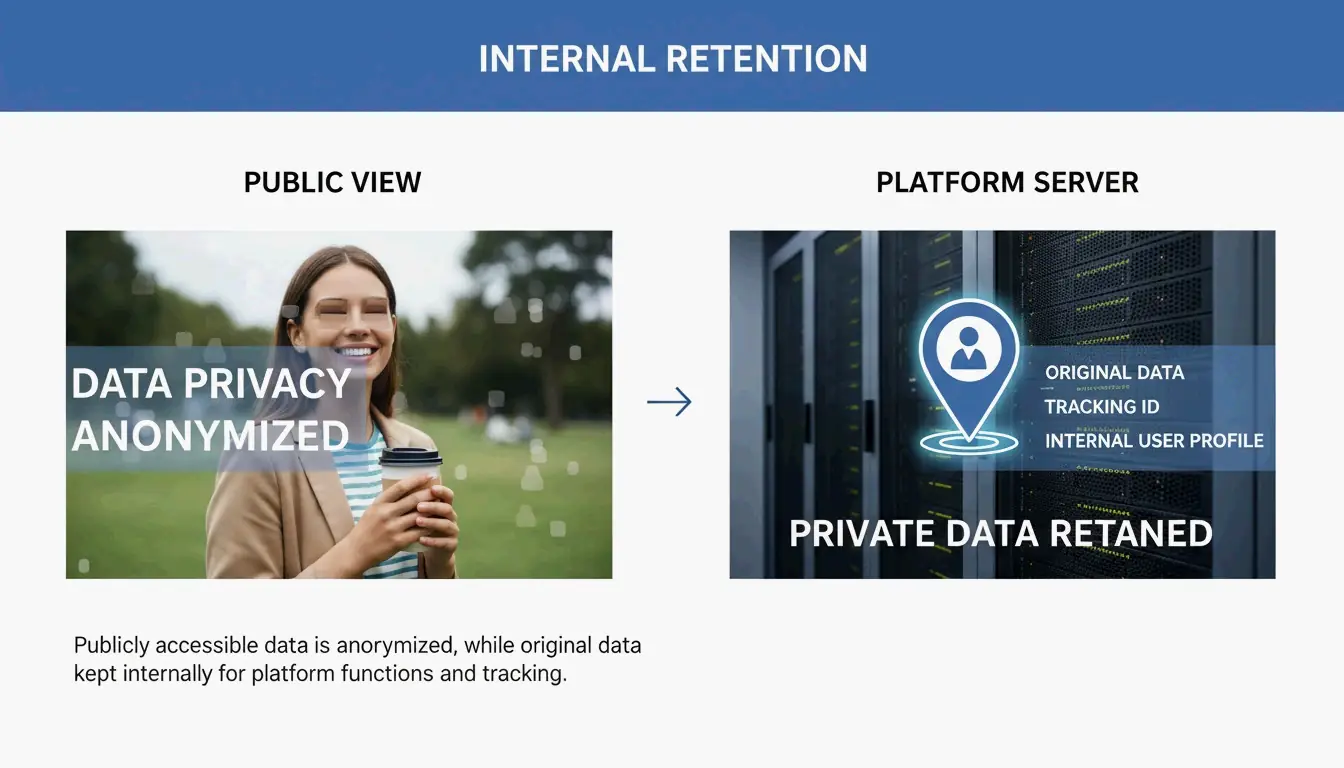
プラットフォームにファイルのクリーニングを頼るのは、失敗しうる受動的な対応です。SammaPix が言及した Reddit HEIC Metadata Leak(Vulnerability #1069039、脆弱性 #1069039) を例に挙げましょう。この事例では、HEIC 形式の写真がアップロード時に PNG に変換されたものの、誤って GPS タグが保持されていました。これにより、パッチが最終的にリリースされるまで、ユーザーの自宅の位置が露出し続けました。自分のデバイスで先にデータを削除しておけば、プラットフォームは最初からその機密情報を入手できません。
ソーシャルメディアが機能しないとき:自動削除が保証されない理由
アップロードボタンがプライバシーフィルターだと単純に想定してはいけません。2026年において、メタデータが保持されるか削除されるかは、あなたがファイルを どのように 共有するかに依存します。MetaClean のテストによれば、公開フィードはほぼ安全ですが、プライベートチャネルははるかにリスクが高いことが示されています。
- WhatsApp ドキュメントモード(Document Mode): これは巨大な「プライバシーの罠(privacy trap)」です。SammaPix によれば、画質を保つために写真を「ドキュメント(Document)」として送信すると、アプリはあなたの正確な GPS 位置を含む 100% のメタデータ を保持します。
- ダイレクトメッセージ(DM): Instagram と X (Twitter) では、DM システムは公開フィードほど常に厳格ではありません。テストでは、DM 経由で「最高画質(best quality)」やオリジナル形式で写真を送信すると、約 23% のケースで GPS データが漏洩することが示されています。
ソーシャルメディアマネージャーの死角:API 投稿リスク
プロとしてソーシャルメディアを管理しているなら、自動化は最大の危険地帯です。API アップロード(API Uploads) ── Buffer、Hootsuite、Sprinklr のようなツールが使用する技術 ── は、公式モバイルアプリに組み込まれた標準クリーニング手順を頻繁にバイパスします。MetaClean の 2026 年テスト によれば、X API 経由で投稿された画像は約 30% のケースで デバイス機種情報を保持しており、GPS 削除の信頼性も手動アップロードに比べてはるかに低いことが分かっています。コンテンツを予約投稿するなら、ファイルがキューに入る前にクリーニングを行う必要があります。
EXIF データを削除する方法:あらゆるデバイス向けのステップバイステップガイド
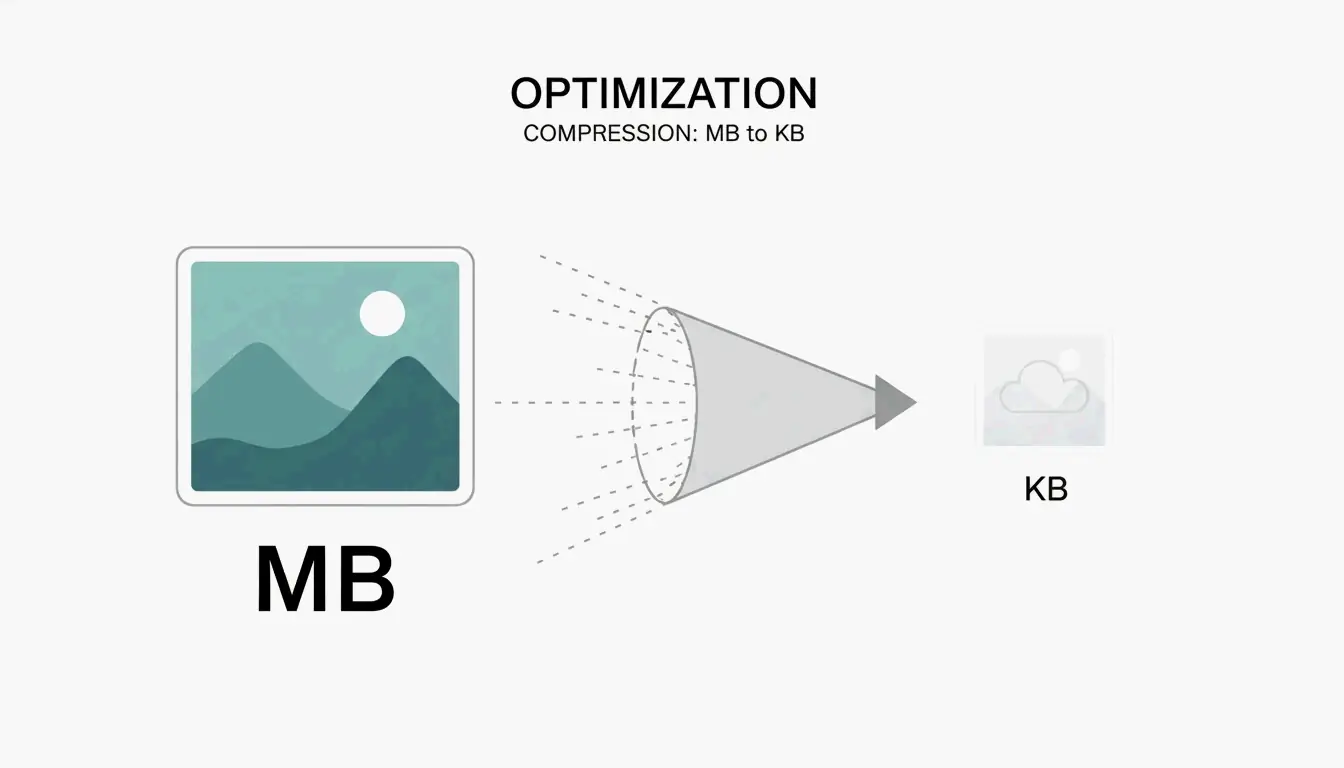
プライバシーを保つために、ファイルがスマートフォンやコンピュータを離れる前に、ローカルでメタデータ削除を処理してください。おまけとして、ImgTweak は、メタデータを削除することで画像品質を損なうことなくファイルサイズを 10-20% 縮小できると指摘しています。
- Windows: 画像を右クリック > プロパティ > 詳細 > 「プロパティと個人情報を削除(Remove Properties and Personal Information)」。
- Mac: プレビュー(Preview)で写真を開く > ツール > インスペクタを表示 > GPS タブをクリック > 「位置情報を削除(Remove Location Info)」。すべての EXIF データを完全に削除するには、専用アプリが必要な場合があります。
- モバイル(iOS/Android): iPhone では、共有シートの「オプション(Options)」リンクをタップし「位置情報(Location)」をオフにします。Android では、ギャラリーの共有設定で「位置情報データを削除(Remove location data)」の切り替えスイッチを探してください。
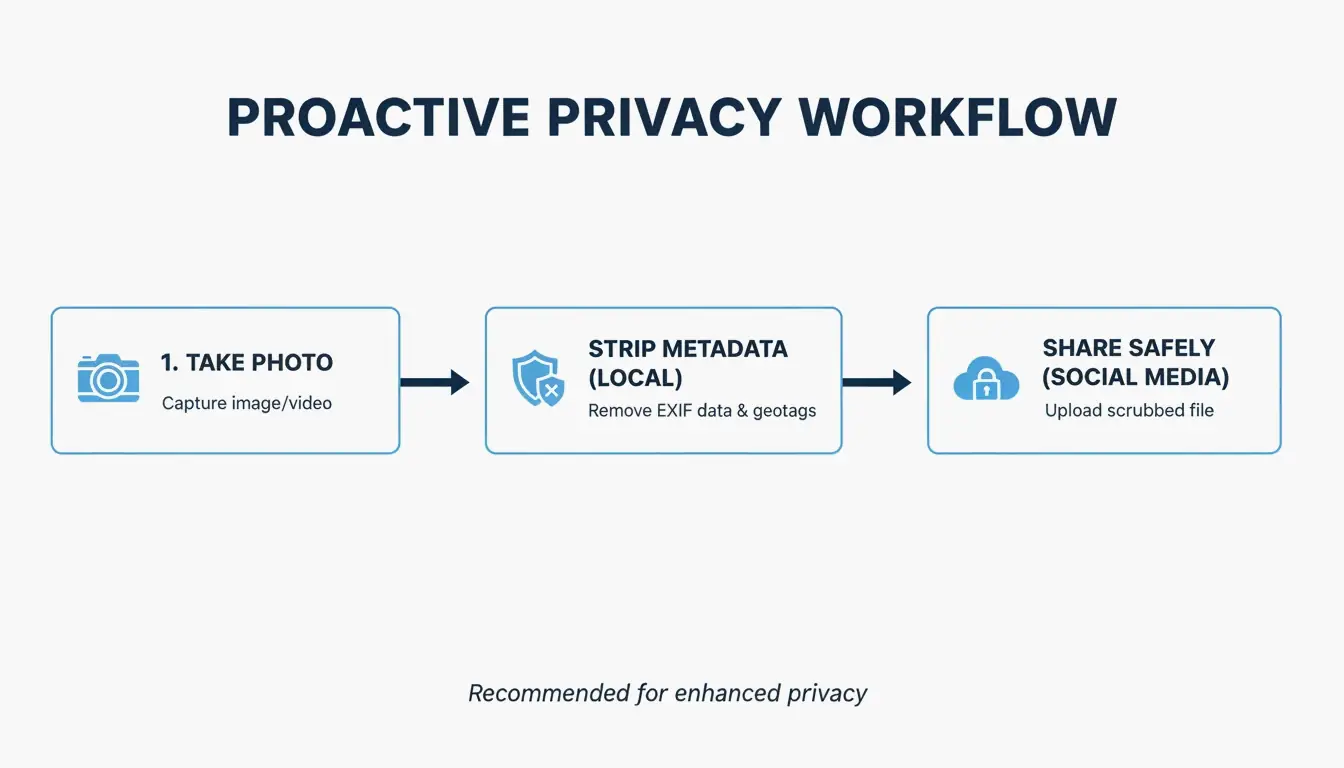
- プロレベルの監査: 上級ユーザーには ExifTool が依然として最適な選択肢です。コマンド
exiftool -all= image.jpgを使えば、ファイル内のすべての隠しヘッダーを完全に消去できます。
スクリーンショット vs. 削除:プライバシーと画像品質
多くの人がデータを「削除」するために写真をスクリーンショットしています。スクリーンショットはまったく新しいファイルなので、古い EXIF 情報を持ちません。これはプライバシーを守れますが、解像度を犠牲にします。高品質の 48MP 写真がわずか 2-4MP まで低下する可能性があります。専用の削除ツールを使えば、高解像度のピクセルを維持したまま、隠された追跡データを取り除くことができるので、そちらを使うのが望ましいです。
プライバシーのリーダーたち:2026年のプラットフォームメタデータポリシー比較
2026年のプライバシー環境は、「プライバシー優先」のアプリと「データを渇望する」ネットワークとの間に大きな格差を示しています。MetaClean 2026 プラットフォーム比較 によれば、Signal が黄金標準です。これは送信前にすべての EXIF データを消去し、サーバー上には何も保存しない唯一の主要アプリです。
一方、Instagram と Facebook は「一般向けには削除、AI 向けには保持(Strip for the Public, Keep for the AI)」というアプローチを採用しています。彼らはあなたの位置を他のユーザーからは隠しますが、自らはそれを利用してあなたのプロフィールを構築します。その一方で、iMessage と標準的な メール(Email)(Gmail/Outlook)はほとんど保護を提供しません ── GPS データをすべて保持したまま元のファイルを受信者に送信してしまいます。
結論
ソーシャルメディアプラットフォームはプライバシーを約束するかもしれませんが、EXIF データは 2026 年において依然として巨大な抜け穴です。自動クリーニングは一貫しておらず、特にプロの予約ツールを使用する場合、ファイルを「ドキュメント」として送信する場合、または高品質の DM 設定を使用する場合に顕著です。また、ほとんどのプラットフォームは一般から位置を隠した後も、自社の利用のために引き続きあなたの位置を収集しています。身体的な安全を真に守るためには、共有する前にメタデータスクラバーや Signal のようなプライバシー重視のアプリを使ってください。プラットフォームがあなたのために目を配ってくれていると想定してはいけません。アップロードする前に自分のデータをコントロールしましょう。
よくある質問
スクリーンショットを撮ると EXIF データは削除されますか?
はい。スクリーンショットを撮ると、元の写真のメタデータを持たない、まったく新しい画像ファイルが作成されます。ただし、重要なトレードオフがあります。元のピクセルを保持したままデータを削除するプロの削除ツールを使用する場合と比べて、画像の解像度と品質が大幅に失われます。
WhatsApp は写真を送信するときに GPS 位置を削除しますか?
これは送信モードに完全に依存します。2026 年では、標準の「写真モード(Photo mode)」はほとんどのデータを削除しますが、「ドキュメントモード(Document mode)」は GPS を含む 100% の EXIF データを漏洩させます。さらに、「最高画質(Best quality)」モードは信頼性が低く、テストでは約 23% のケースで GPS 座標が残存することが示されています。
投稿を削除しても、法執行機関は EXIF データを使用できますか?
はい。ほとんどのソーシャルメディアプラットフォームは、投稿が公開表示から削除された後でも、元のアップロードファイル ── そのすべてのメタデータを含む ── を内部サーバーに保持しています。この保持されたデータは、プラットフォームを対象とした法的召喚状や裁判所命令を通じて、法執行機関がアクセスできます。
著者について
インディーハッカー & デベロッパー私はiOSアプリとウェブアプリケーションを開発するインディーハッカーで、実用的なSaaS製品の創造に注力しています。AI SEOを専門とし、インテリジェントな技術が持続可能な成長と効率をどのように促進できるかを常に探求しています。
最終レビュー 2026年7月3日. この記事は正確性を確認し、ツールやプラットフォームの動作が変更された際に更新されます。