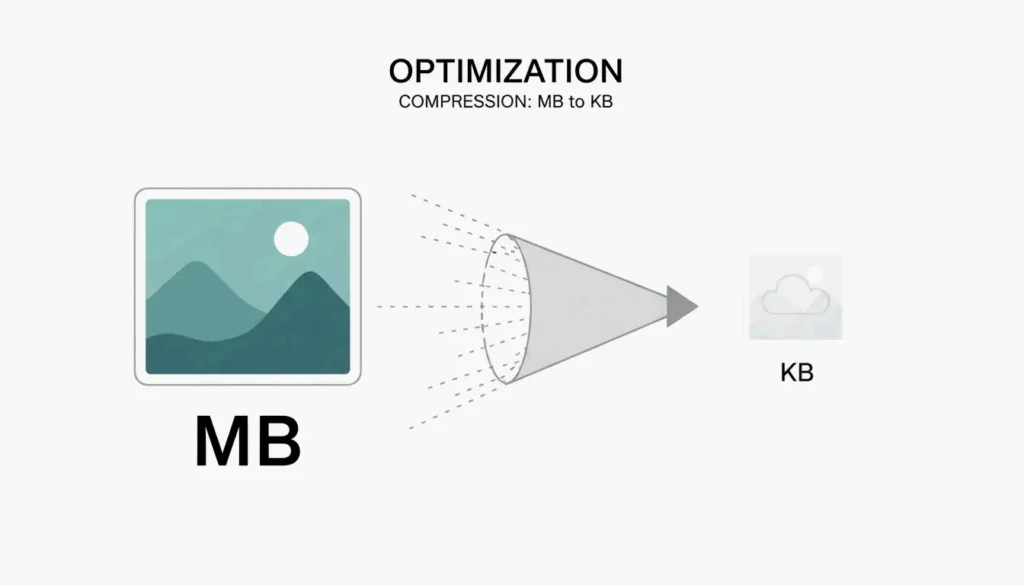
A clean, modern visual representing image compression from large to small size

How to Compress Image Size in KB and MB: 2026 Guide to Fast and Lossless Optimization

發佈於 2026年5月3日 更新於 2026年5月16日 6 分鐘閱讀

目錄

As of May 2026, the quickest way to compress image size in KB and MB is by using WASM-based online tools like ImResizer or pdfFiller. These platforms process your files directly in your browser, which keeps your data private and secure. Simply upload your JPG or PNG, enter your target size (like 50KB), and download the result. For large batches of photos, offline software remains the best choice for maintaining consistent quality.

Quick Steps: How to Compress Image Size in KB and MB for Instant Uploads

If you need to shrink a file from several megabytes down to a few kilobytes, you need a tool with “target-size” settings. Most modern web compressors now use WebAssembly (WASM) technology. This means the actual compression happens on your own computer rather than a distant server, making the process both faster and safer.

The Standard Compression Workflow

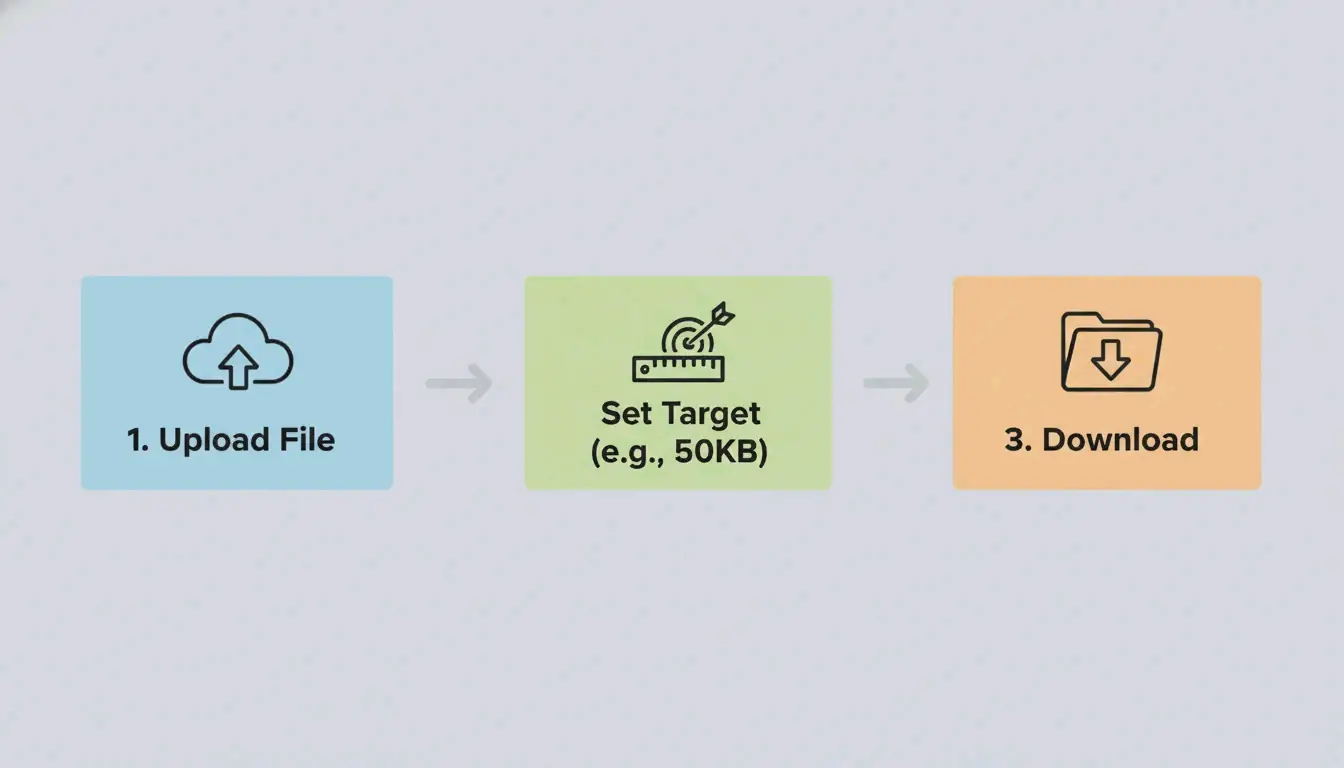
  1. Pick Your Tool: Use a platform like ImResizer or pdfFiller that lets you set specific KB or MB goals.
  2. Upload and Set Limits: Select your JPG / JPEG or PNG file. Keep in mind the standard conversion: 1 MB = 1024 KB, as noted by SmartToolsWala. If you have a 2MB file but the upload limit is 100KB, set that as your target.
  3. Process and Download: Hit the “Target Size” button. The algorithm will automatically tweak the quality and dimensions to meet your exact limit.

3-step visualization of the compression process

The “Final Inch” Checklist: Why Your File is Still 1KB Over

Government websites and exam portals are often very strict, usually requiring files between 20KB and 200KB. If your image is still just over the limit, check for hidden metadata. Removing thumbnails and preview data can often shave off those last few bytes you need to hit a 50KB or 100KB threshold.

Common File Size Targets:

Use Case Typical Limit Strategy
Government form (e.g., SSC/UPSC) 20-50 KB Target-size tool + strip EXIF
Visa / passport photo 50-100 KB 96 DPI + aggressive lossy compression
Email attachment (per image) Under 1 MB 80% JPEG quality
Web hero image Under 200 KB WebP/AVIF at 75%

Online vs Offline Tools: Which Should You Choose in 2026?

Deciding between a browser tool and desktop software depends on how many photos you have and how much privacy you need. In 2026, browser-based tools are almost as fast as desktop ones because they process files locally.

Online Tools for Speed and Accessibility

Sites like pdfFiller, which has over 12,500 verified reviews, are great for quick, one-off jobs. Many of these tools now respect GPC (Global Privacy Control) signals, so your session is not tracked. They are the go-to option if you are on a phone or a public computer and need to fix a JPG / JPEG for a visa form or job application.

Offline Software for Batch Processing and Privacy

If you are a professional dealing with thousands of images, offline software like Batch Picture Resizer is a better bet. It uses your computer’s full processing power to finish bulk tasks in minutes. Because it works without an internet connection, it is the safest way to handle sensitive company files.

Tool Type Speed Privacy Batch Support Best For
WASM browser tools Fast Local processing Limited Quick single-file edits
Server-side tools Fastest Files uploaded to server Yes Large batches, non-sensitive
Offline software Moderate Full offline Yes Sensitive files, bulk work

How to Maintain Image Quality and Resolution During Compression

Keeping your Image Quality / Resolution sharp while shrinking the file size is all about choosing the right method: Lossy or Lossless.

Lossy (JPG) vs. Lossless (PNG)

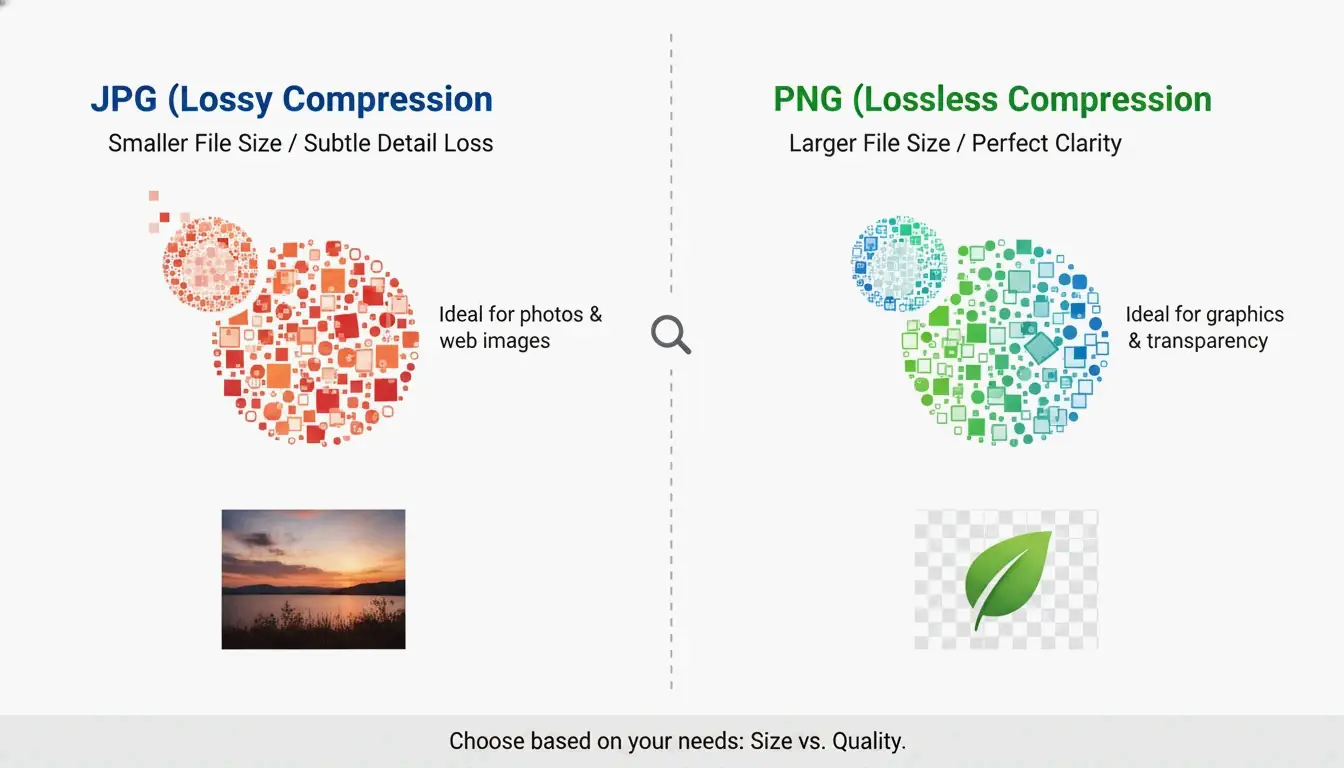
  • JPG / JPEG: This uses “lossy” compression. It throws away data that the human eye cannot really see to make the file much smaller. It is perfect for standard photos.
  • PNG: This uses “lossless” compression, meaning it keeps every bit of original data. The image stays perfectly clear, but the file size will be much larger than a JPG.

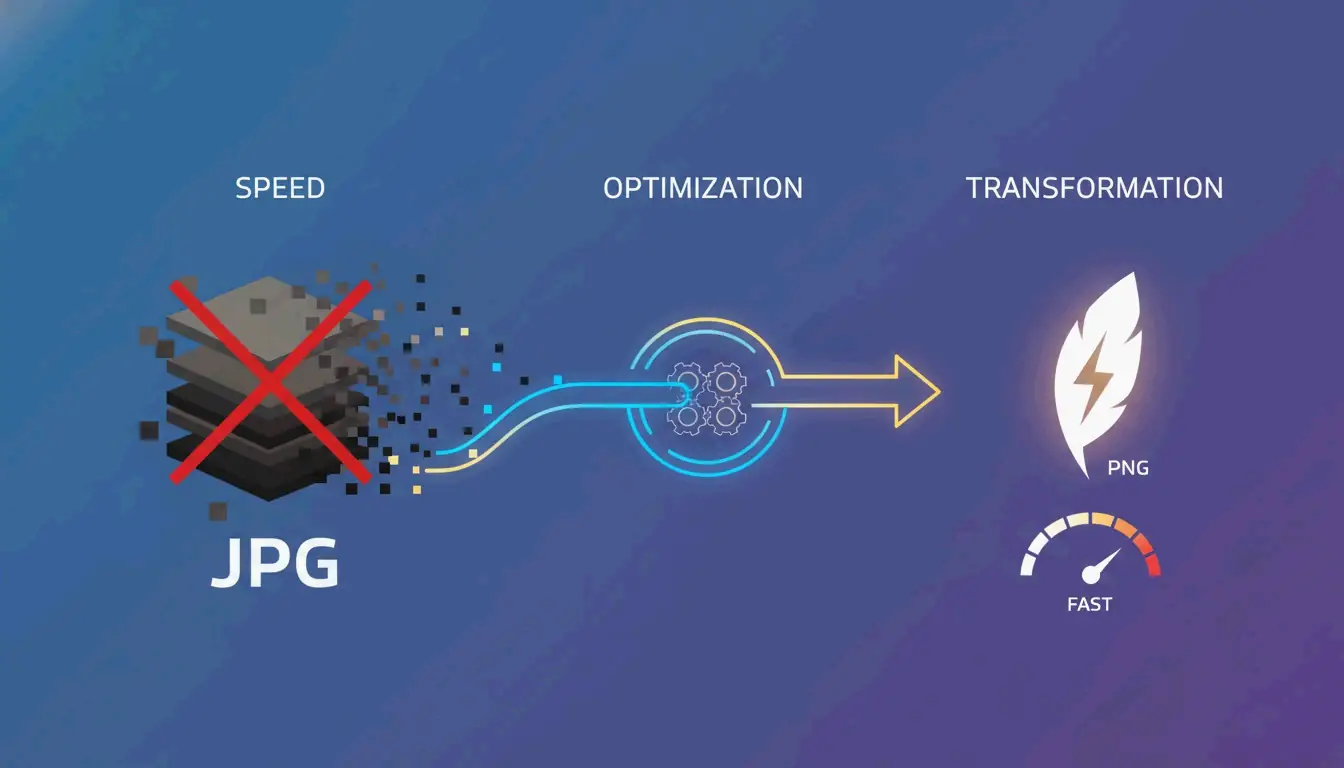
Simple visual comparison of JPG vs PNG file size and clarity

Format Compression Typical Size (1080px photo) Transparency Best For
JPEG Lossy 150-300 KB No Photos, web
PNG Lossless 1-3 MB Yes Logos, screenshots
WebP Both 100-200 KB Yes Web optimization
AVIF Both 80-150 KB Yes Next-gen web

The 2026 Shift: Adopting WebP

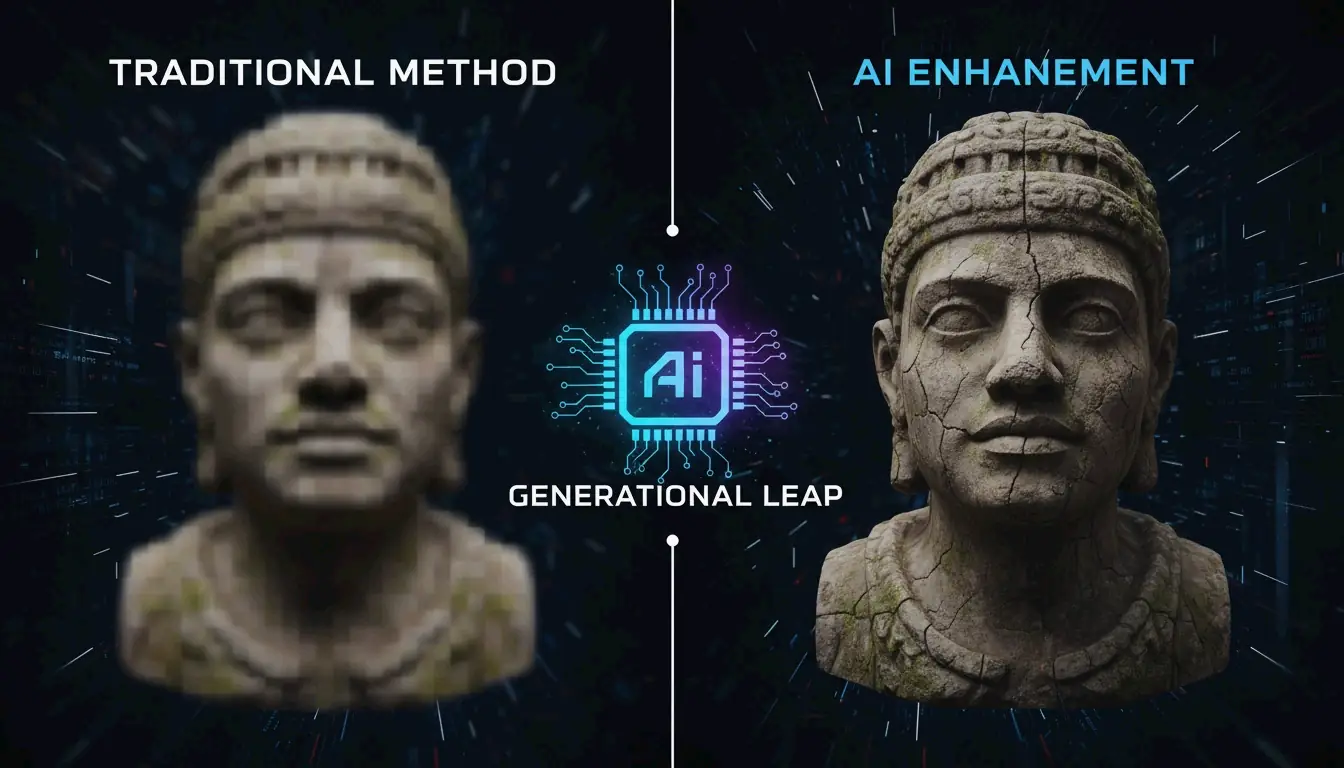
By 2026, WebP has become the new standard. ImResizer reports that WebP can make files 30% smaller than JPEGs without losing visual quality. Most browsers and websites now accept this format without any issues.

The “Upscaling” Myth

It is a technical reality that you cannot really turn a tiny KB file back into a high-quality MB file. As ImResizer points out, while tools can “inflate” a file size by adding empty data, they cannot bring back lost detail. Always keep your original high-resolution photos safe before you start compressing.

Advanced Tactics: Stripping EXIF Data to Save Extra Space

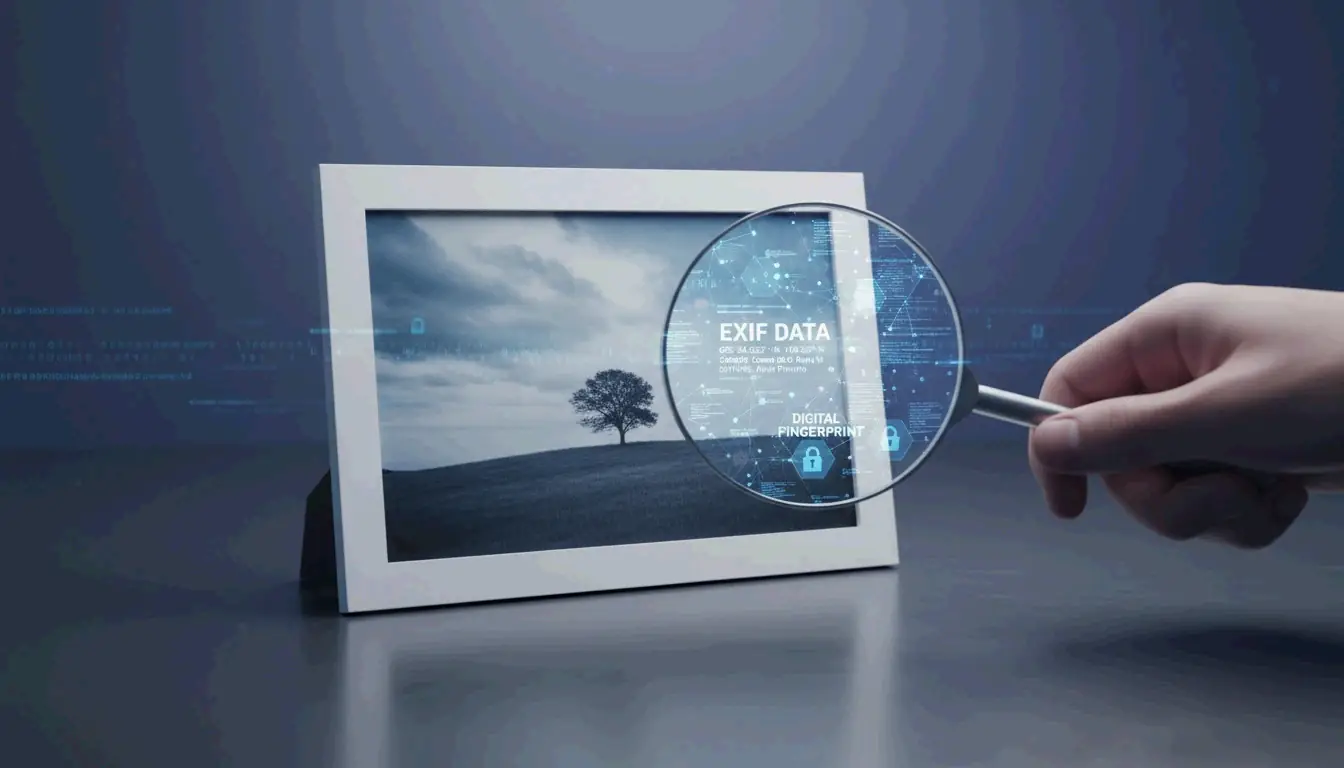
Images often hide “extra” info called EXIF Data, which includes things like camera settings, GPS location, and the date the photo was taken. This can add 5KB to 50KB to your file size.

Tools like the EclixTech Photo Compressor give you the option to strip this data. Removing it helps with two things:

  1. Privacy: No one can see exactly where or when you took the photo.
  2. Size Limits: If you are struggling to meet a tiny 20KB limit for a government form, cutting 10KB of metadata can make the difference.

EXIF Data Size Breakdown:

Data Type Typical Size Privacy Risk
GPS coordinates 2-5 KB High — reveals exact location
Camera model + settings 1-3 KB Low
Date and time 0.5-1 KB Medium
Thumbnail preview 5-20 KB Low (but adds to file size)

Conclusion

To successfully compress image size in KB and MB, you just need to pick the right format (like WebP or JPG) and the right tool for the job. For a quick government upload or a social media post, WASM-based tools like ImResizer or pdfFiller are fast, secure, and do not require an account. If you are a professional photographer or a business owner who needs to process huge batches of files, investing in offline software is the best way to keep your quality standards high.

FAQ

Is it safe to upload my private photos to online compressors?

Most reputable tools now use SSL encryption to protect data during transfer. Furthermore, a major 2026 update in web technology means many top-tier tools now use WASM (WebAssembly) for local browser processing. This means your photo is processed on your own device and never actually reaches a remote server, providing maximum privacy.

Can I increase an image size back to MB after compressing it to KB?

Technically, you can increase the file size by adding “padding” data or upscaling the dimensions, but you cannot restore the visual detail lost during the initial compression. To avoid blurry results, always perform your edits on the original high-resolution file rather than trying to upscale a previously compressed version.

What is the difference between lossy and lossless image compression?

Lossy compression (used in JPG files) removes certain bits of data to shrink the file size significantly, which may lead to a slight loss in quality. Lossless compression (used in PNG and some WebP files) keeps all original data intact, ensuring the image looks exactly like the original, though the resulting file size will be larger than a lossy version.

SJ

關於作者

獨立開發者

我是一名獨立開發者,專注於構建 iOS 和 Web 應用程序,致力於打造實用的 SaaS 產品。我擅長 AI SEO,不斷探索智能技術如何推動可持續增長和效率提升。

最後審閱 2026年5月16日. 本文經過準確性審閱,並在工具或平台行為變更時更新。

分享文章