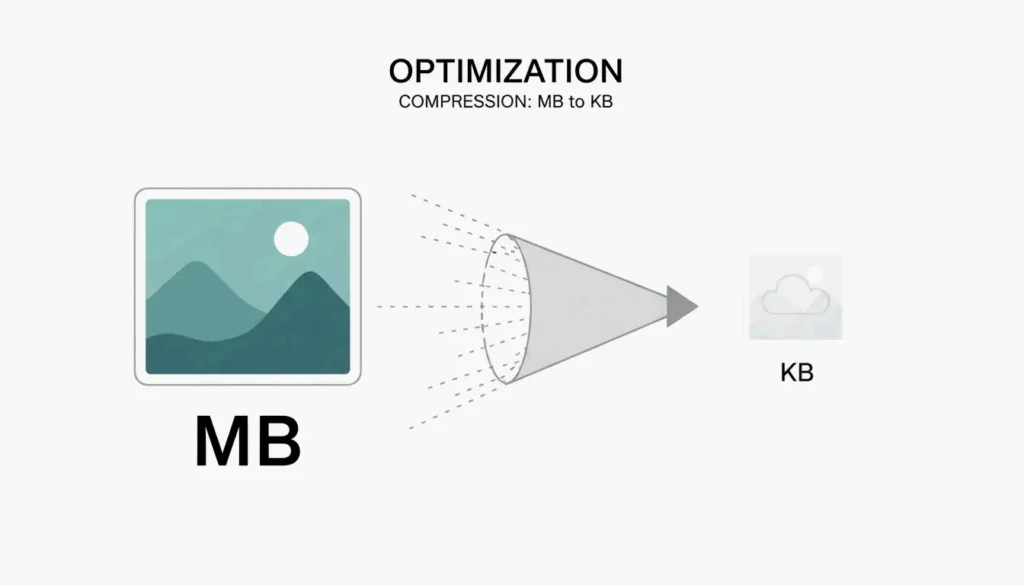
如何压缩图片体积(KB 与 MB):2026 快速无损优化指南
目录
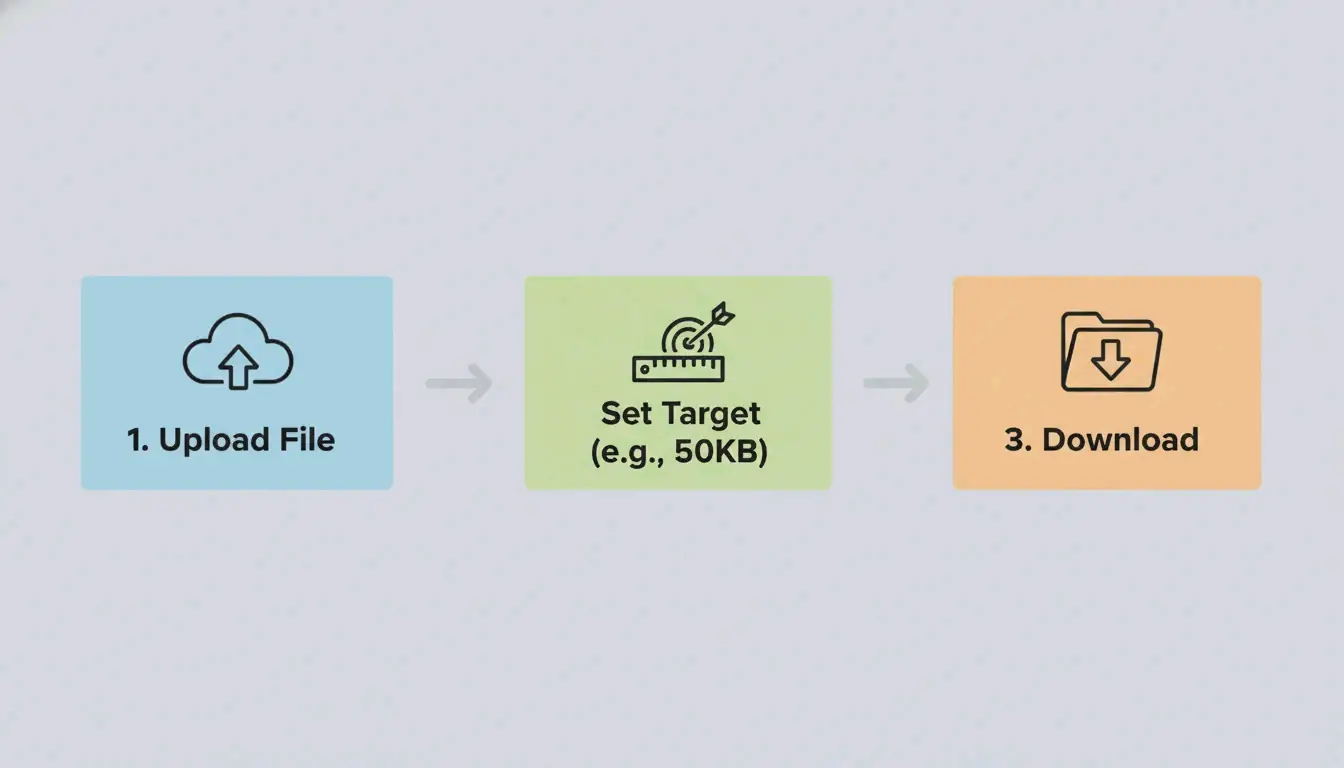
截至 2026 年 5 月,压缩图片体积(KB 与 MB)最快的方法是使用 ImResizer 或 pdfFiller 等 WASM 在线工具。这些平台直接在你的浏览器中处理文件,让你的数据保持私密和安全。只需上传 JPG 或 PNG,输入目标大小(如 50KB),然后下载结果即可。对于大批量照片,离线软件仍然是保持稳定质量的最佳选择。
快速步骤:如何将图片体积压缩到 KB 与 MB 以便即时上传
如果你需要把文件从几兆缩小到几千字节,就需要一个带有「目标大小」设置的工具。大多数现代网页压缩工具现在都使用 WebAssembly(WASM)技术。这意味着实际的压缩发生在你自己的电脑上,而不是远程服务器上,让整个过程更快也更安全。
标准压缩工作流
- 选择工具 :使用像 ImResizer 或 pdfFiller 这样允许你设置特定 KB 或 MB 目标的平台。
- 上传并设置限制 :选择你的 JPG / JPEG 或 PNG 文件。记住标准换算:1 MB = 1024 KB,正如 SmartToolsWala 所述。如果你有一个 2MB 的文件,但上传限制是 100KB,就把它设为目标。
- 处理并下载 :点击「Target Size」按钮。算法会自动调整质量和尺寸,以满足你的精确限制。
「最后一寸」清单:为什么你的文件还差 1KB 超标
政府网站和考试门户通常非常严格,一般要求文件在 20KB 到 200KB 之间。如果你的图片仍然略超限制,请检查隐藏的元数据。移除缩略图和预览数据通常能省下你达到 50KB 或 100KB 阈值所需的最后几个字节。
常见文件大小目标:
| 使用场景 | 典型限制 | 策略 |
|---|---|---|
| 政府表单(如 SSC/UPSC) | 20-50 KB | 目标大小工具 + 剥离 EXIF |
| 签证 / 证件照 | 50-100 KB | 96 DPI + 激进有损压缩 |
| 邮件附件(每张图片) | 1 MB 以下 | 80% JPEG 质量 |
| 网页头图 | 200 KB 以下 | 75% 的 WebP/AVIF |
在线 vs 离线工具:2026 年你该选哪个?
在浏览器工具和桌面软件之间做选择,取决于你有多少张照片以及你需要多少隐私。在 2026 年,基于浏览器的工具几乎和桌面工具一样快,因为它们在本地处理文件。
在线工具:速度与可访问性
像 pdfFiller 这样拥有超过 12,500 条已验证评价的网站,非常适合快速的、一次性的任务。许多这类工具现在都遵守 GPC(Global Privacy Control)信号,因此你的会话不会被追踪。如果你在手机或公共电脑上,需要为签证表格或求职申请修复一张 JPG / JPEG,它们是首选方案。
离线软件:批量处理与隐私
如果你是处理数千张图片的专业人士,像 Batch Picture Resizer 这样的离线软件是更好的选择。它利用你电脑的全部处理能力,在几分钟内完成批量任务。由于它在没有互联网连接的情况下工作,这是处理敏感公司文件最安全的方式。
| 工具类型 | 速度 | 隐私 | 批量支持 | 最适合 |
|---|---|---|---|---|
| WASM 浏览器工具 | 快 | 本地处理 | 有限 | 快速单文件编辑 |
| 服务端工具 | 最快 | 文件上传到服务器 | 是 | 大批量、非敏感 |
| 离线软件 | 中等 | 完全离线 | 是 | 敏感文件、批量工作 |
压缩时如何保持图片质量和分辨率
在缩小文件体积的同时保持 图片质量 / 分辨率清晰,关键在于选择正确的方法:有损或无损。
有损(JPG)vs. 无损(PNG)
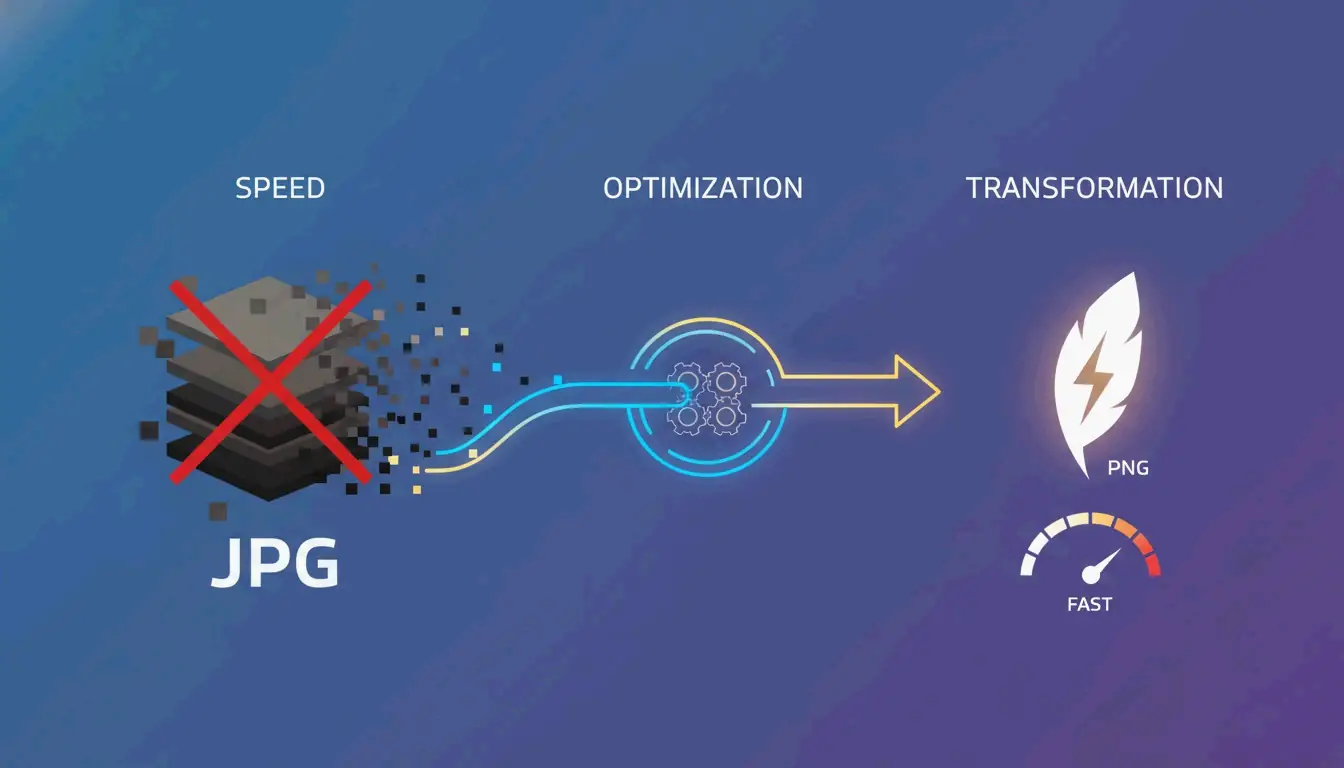
- JPG / JPEG :这使用「有损」压缩。它丢弃人眼几乎看不见的数据,让文件小得多。它非常适合标准照片。
- PNG :这使用「无损」压缩,意味着它保留每一位原始数据。图片保持完美清晰,但文件体积会比 JPG 大得多。
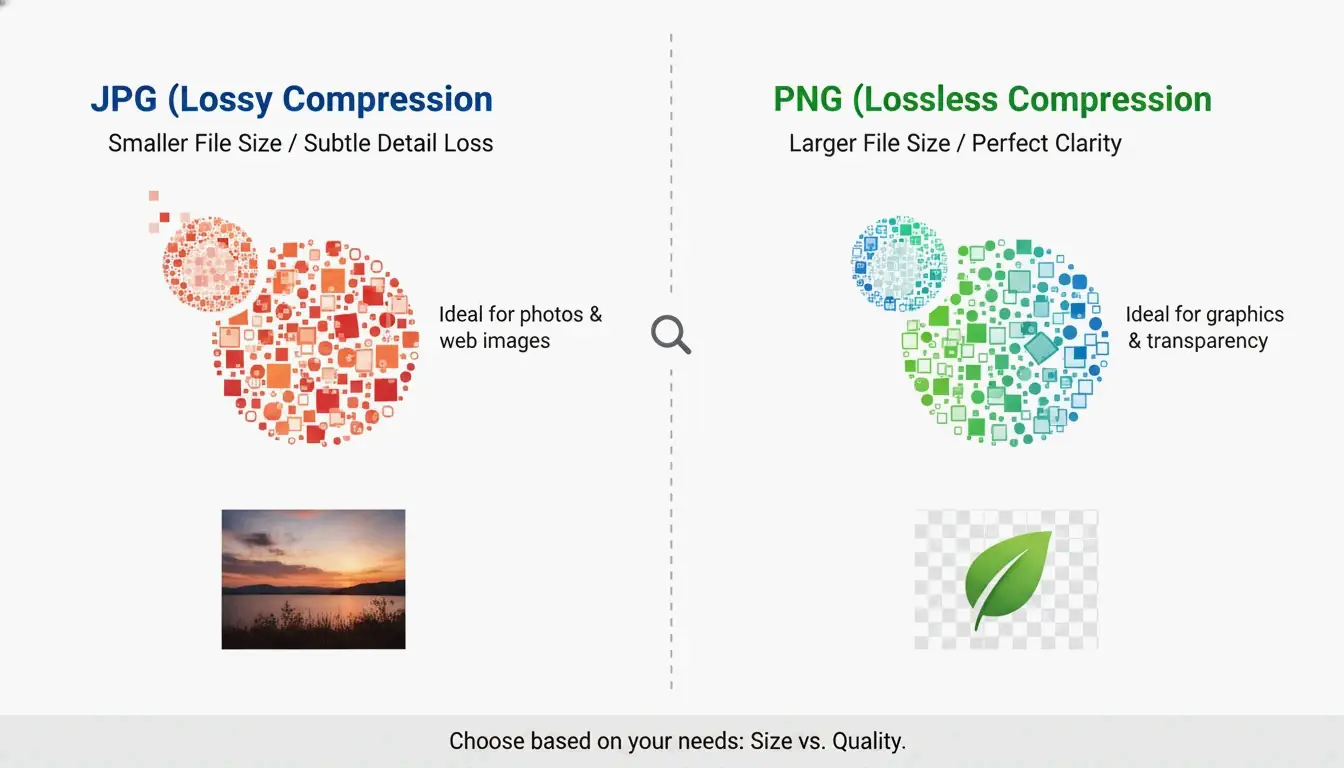
| 格式 | 压缩方式 | 典型体积(1080px 照片) | 透明度 | 最适合 |
|---|---|---|---|---|
| JPEG | 有损 | 150-300 KB | 否 | 照片、网页 |
| PNG | 无损 | 1-3 MB | 是 | Logo、截图 |
| WebP | 两者皆有 | 100-200 KB | 是 | 网页优化 |
| AVIF | 两者皆有 | 80-150 KB | 是 | 下一代网页 |
2026 的转变:采用 WebP
到 2026 年,WebP 已成为新标准。ImResizer 报告称,WebP 能让文件比 JPEG 小 30%,且不损失视觉质量。大多数浏览器和网站现在都能毫无问题地接受这种格式。
「放大」的迷思
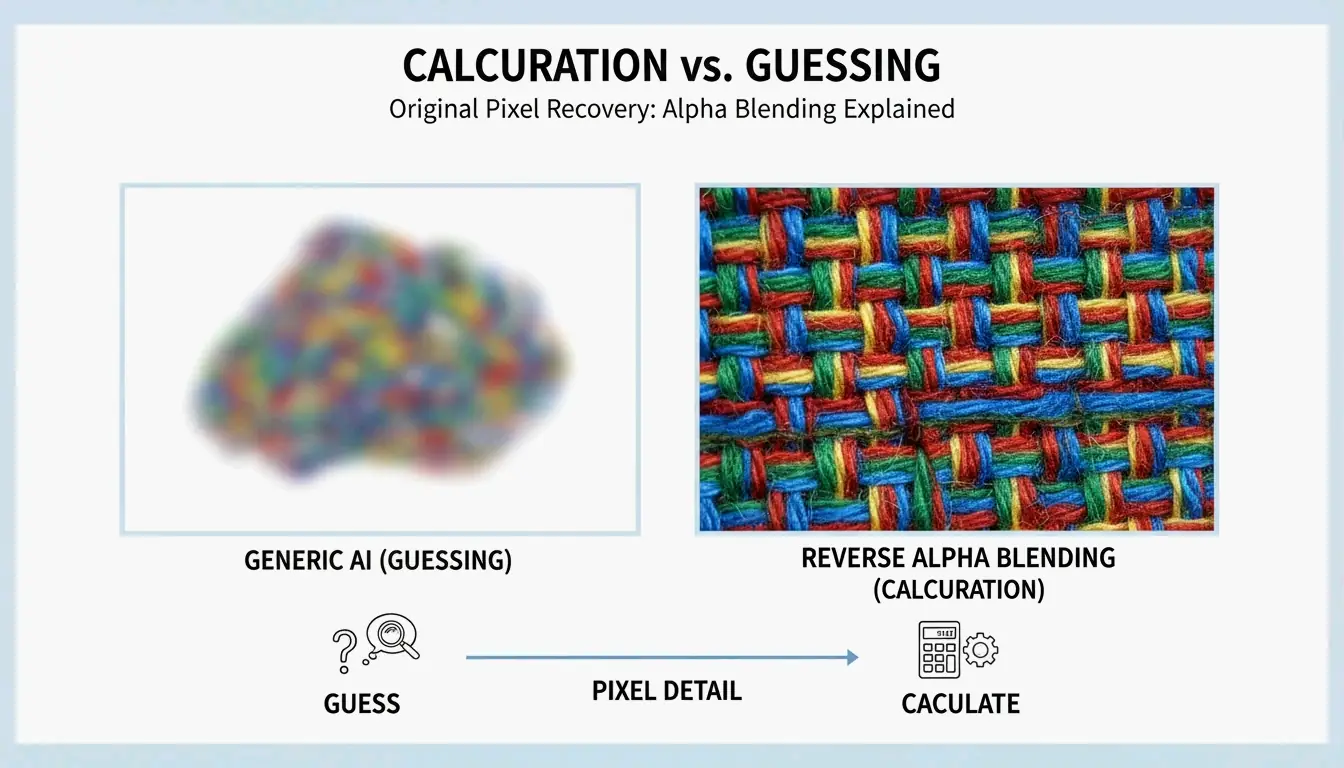
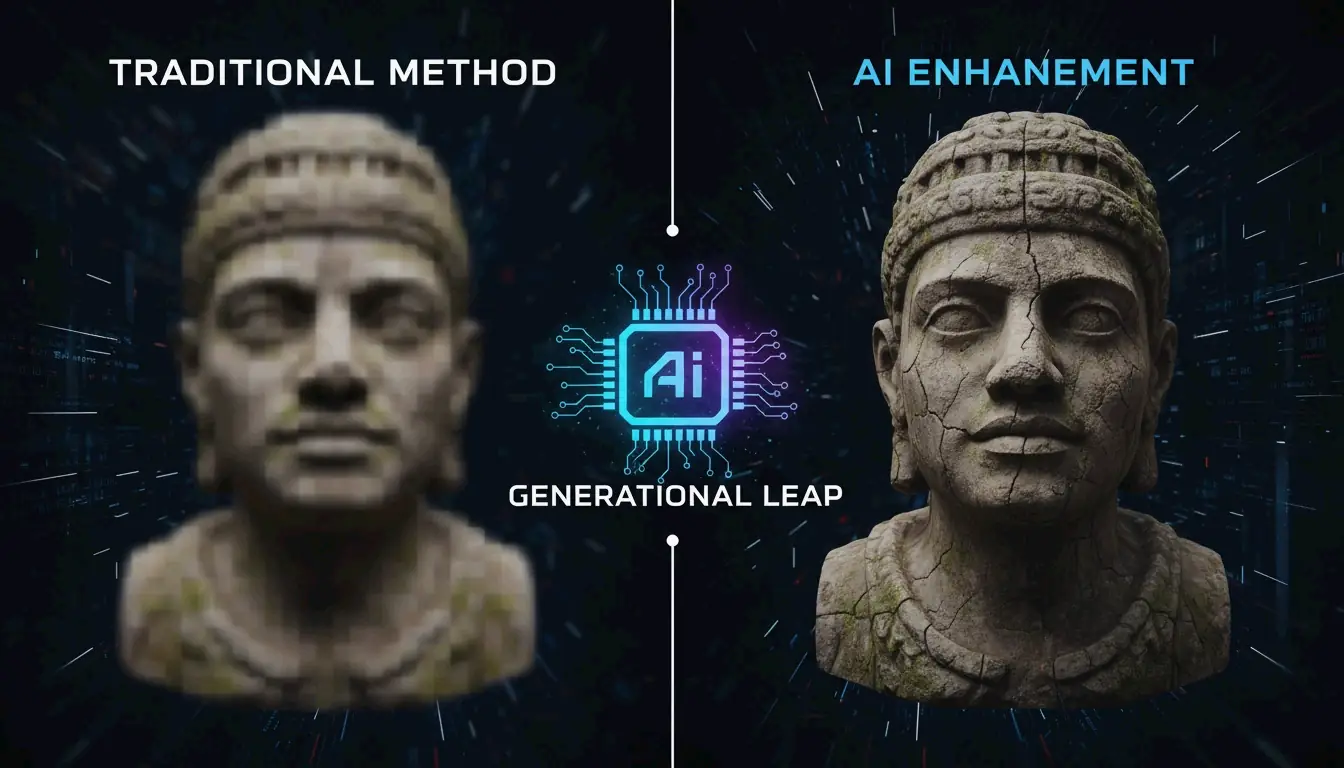
一个技术现实是:你无法真正把一个只有几 KB 的小文件变回高质量的 MB 文件。正如 ImResizer 所指出的,虽然工具可以通过添加空数据来「膨胀」文件体积,但它们无法找回丢失的细节。在开始压缩之前,务必妥善保存你的原始高分辨率照片。
进阶技巧:剥离 EXIF 数据以节省额外空间
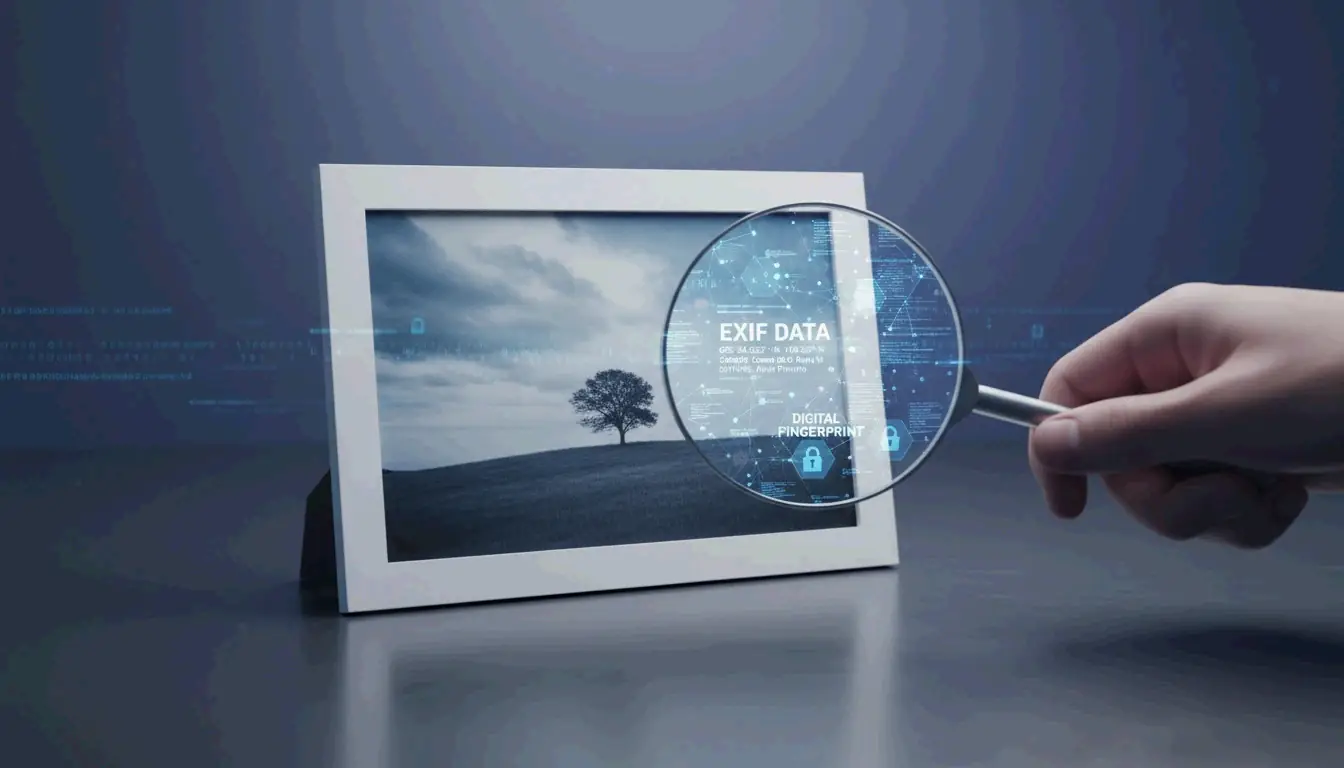
图片通常隐藏着称为 EXIF 数据的「额外」信息,其中包括相机设置、GPS 位置和照片拍摄日期等内容。这会给你的文件体积增加 5KB 到 50KB。
像 EclixTech Photo Compressor 这样的工具让你可以选择剥离这些数据。移除它有两个好处:
- 隐私 :没有人能确切看到你在哪里、何时拍摄了这张照片。
- 大小限制 :如果你正为政府表单严苛的 20KB 限制而苦恼,削减 10KB 的元数据就能带来转机。
EXIF 数据体积明细:
| 数据类型 | 典型体积 | 隐私风险 |
|---|---|---|
| GPS 坐标 | 2-5 KB | 高 — 泄露精确位置 |
| 相机型号 + 设置 | 1-3 KB | 低 |
| 日期和时间 | 0.5-1 KB | 中 |
| 缩略图预览 | 5-20 KB | 低(但会增加文件体积) |
结论
要成功压缩图片体积(KB 与 MB),你只需选择正确的格式(如 WebP 或 JPG)和合适的工具。对于快速的政府上传或社交媒体帖子,ImResizer 或 pdfFiller 等 WASM 工具快速、安全,且无需注册账户。如果你是需要处理海量批量文件的专业摄影师或企业主,投资离线软件是保持高质量标准的最佳方式。
常见问题
把我的私人照片上传到在线压缩工具安全吗?
大多数信誉良好的工具现在都使用 SSL 加密来保护传输中的数据。此外,2026 年网页技术的一次重大更新意味着许多顶级工具现在使用 WASM(WebAssembly)进行本地浏览器处理。这意味着你的照片在你自己的设备上处理,永远不会真正到达远程服务器,从而提供最大的隐私。
把图片压缩到 KB 后,还能把体积加回 MB 吗?
从技术上讲,你可以通过添加「填充」数据或放大尺寸来增加文件体积,但你无法恢复初始压缩期间丢失的视觉细节。为避免模糊的结果,请始终在原始高分辨率文件上进行编辑,而不是试图放大一个之前已被压缩过的版本。
有损和无损图片压缩有什么区别?
有损压缩(用于 JPG 文件)移除某些数据以显著缩小文件体积,这可能导致轻微的质量损失。无损压缩(用于 PNG 和某些 WebP 文件)保持所有原始数据完整,确保图片看起来与原始图片完全一样,但生成的文件体积会比有损版本更大。