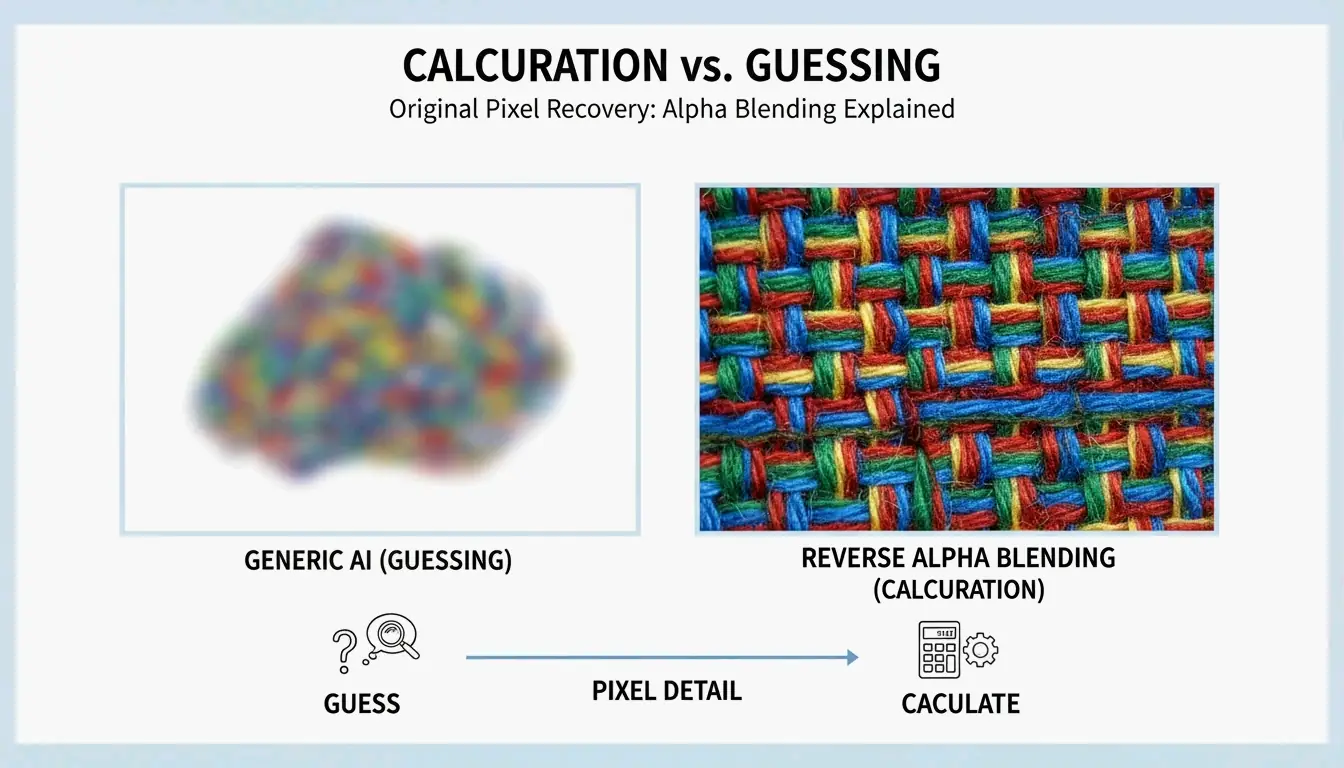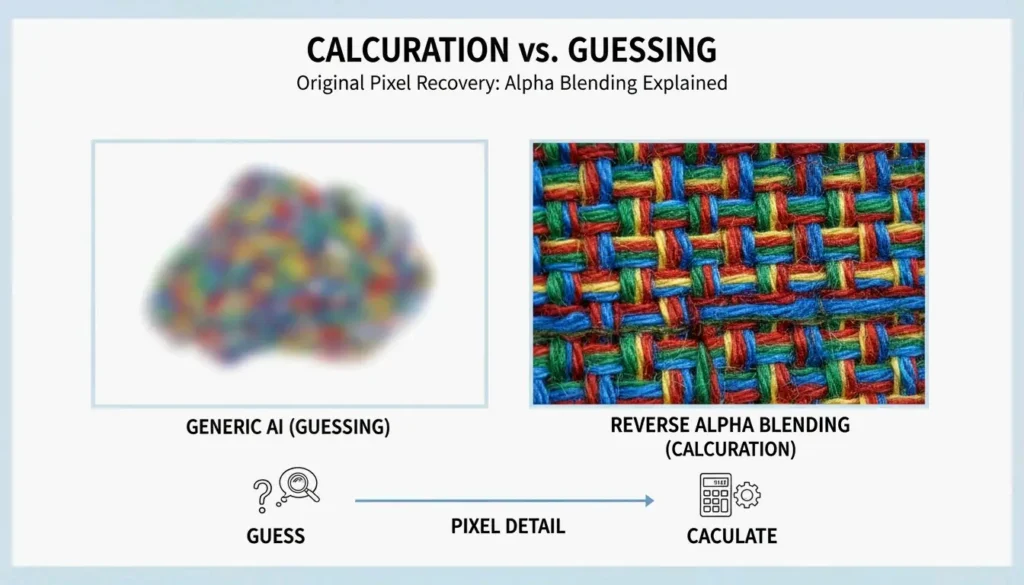
Comparison of standard AI 'guessing' vs. Reverse Alpha Blending 'subtraction'.

Gemini Nano Banana 2 Image Watermark Remover: Best Tools and Techniques for 2026

發佈於 2026年5月7日 更新於 2026年5月16日 7 min read

Table of Contents

To remove a Gemini Nano Banana 2 watermark in 2026, look for software specializing in Reverse Alpha Blending, such as GeminiWatermarkTool (offline) or GeminiWatermarkRemover.io. These tools offer pixel-perfect restoration of the visible 4-pointed star, though invisible SynthID and C2PA metadata will typically remain embedded for AI tracking.

The 2026 Standard: How to Remove Gemini Nano Banana 2 Watermarks

By 2026, the “Nano Banana” 4-pointed star has become the universal symbol for Google’s Gemini-generated content. These are not just simple “stamps” placed over an image; they are integrated using a process called alpha compositing. If you use a generic AI “eraser,” you will often end up with blurry smudges. To get a clean result, you need a workflow that reverses the math behind the original blend.

Standard AI inpainting usually “guesses” what pixels should look like based on the background. In contrast, Reverse Alpha Blending subtracts the watermark’s values to recover what is underneath. This keeps fine details — like skin pores or the weave of a fabric — crisp and untouched.

Comparison of standard AI guessing vs. Reverse Alpha Blending subtraction

Step 1: Identify the Watermark Scale and Alpha Map

The first step in a professional 2026 workflow is figuring out which version of the watermark you are dealing with. Technical guides from allenk’s GeminiWatermarkTool show that Google uses two main sizes based on the image resolution:

Watermark Variant Image Size Position Dimensions
Small (48x48px) Width or height <= 1024px 32px from bottom-right corner 48 x 48 pixels
Large (96x96px) Width and height > 1024px 64px margin from bottom-right 96 x 96 pixels

Modern tools like GeminiWatermarkRemover.io now use “Smart Detection” — a three-stage matching process — to lock onto these exact coordinates automatically.

Step 2: Applying Reverse Alpha Blending for Lossless Restoration

Once the size is confirmed, the tool applies an inverse formula: Original = (Watermarked - Alpha * Logo) / (1 - Alpha). By using the exact transparency templates (alpha maps) Google uses, the software calculates the original color of the hidden pixels.

For most users, this just means selecting “Reverse Alpha” mode in your settings. This method is “deterministic,” which means it gives you the same high-quality result every time, as long as the image has not been heavily compressed or resized.

Best Tools for Gemini Nano Banana 2 Removal in 2026

Your choice of tool depends on how many images you have and your privacy needs. In 2026, more people are moving toward local, offline processing to keep their AI-generated assets off third-party servers.

The Pro Choice: GeminiWatermarkTool (CLI and Desktop)

For developers and power users, GeminiWatermarkTool (allenk) is the top recommendation. It is a portable C++ app that works entirely offline. According to allenk’s documentation, it hits a restoration accuracy of plus or minus 1 per channel, making the removal invisible even if you zoom in 100%.

The 2026 update includes a GPU-boosted feature called FDnCNN (Fast Discrete Convolutional Neural Network). This helps clean up any tiny “sparkle” artifacts left behind if the image was compressed. Thanks to Vulkan acceleration, it processes these areas in less than 5ms.

Browser-Based Solutions: GeminiWatermarkRemover.io vs PixPretty

Tool Type Privacy Best For
GeminiWatermarkRemover.io Browser (client-side) 100% local Pixel-accurate removal of Nano Banana 2 star
PixPretty AI Object Remover Browser + AI Cloud-assisted Watermarks on complex textures (hair, grass)

If you just need a quick fix without installing software, GeminiWatermarkRemover.io is the best online option for pixel-accurate results. It runs 100% in your browser (client-side), so your image never actually leaves your computer. As noted by Emma Collins, PixPretty is a better choice if the watermark is sitting on top of something messy, like hair or grass. It combines reverse blending with heavy-duty AI retouching to fill in the gaps.

Automated Workflows: Integrating MCP Servers and Claude Code

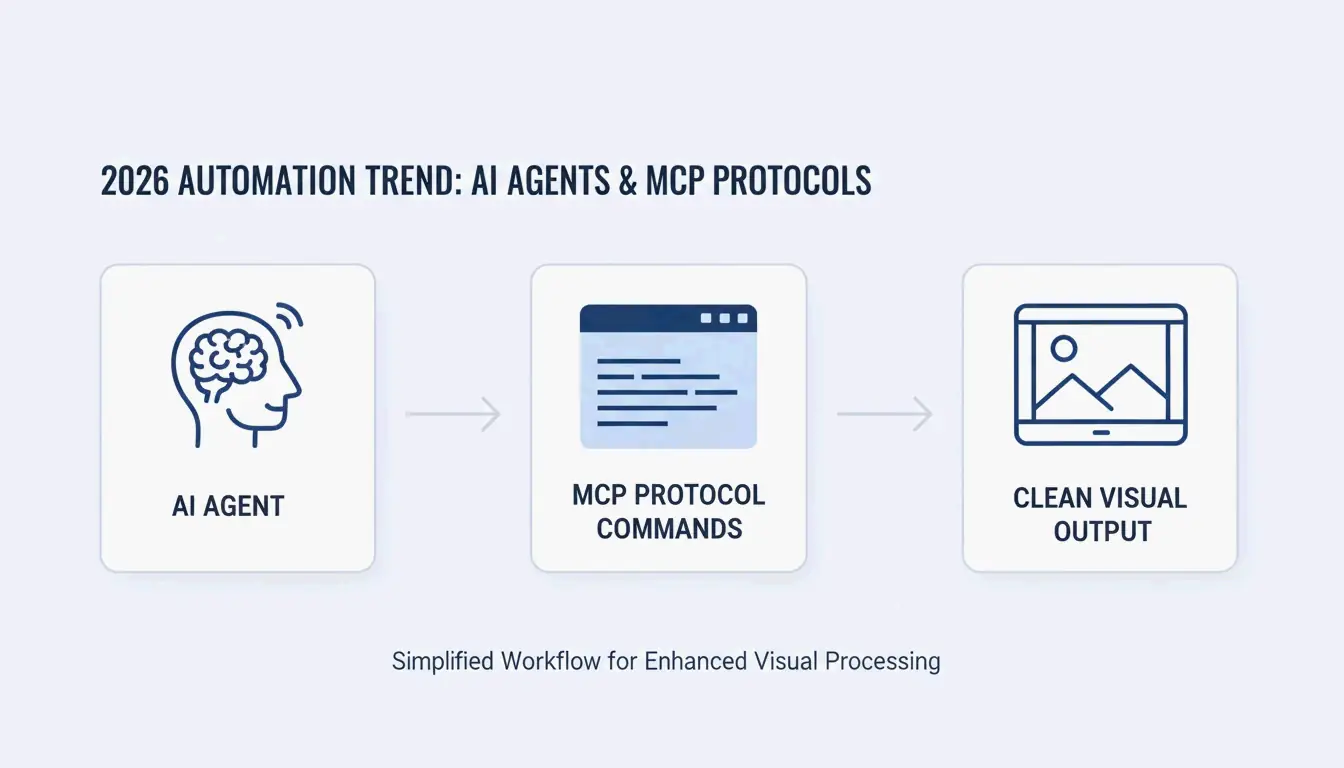
A big change in 2026 is how we automate this. Using the Model Context Protocol (MCP), developers can link GeminiWatermarkTool directly to AI agents like Claude or Cursor. This allows an AI agent to “see” a watermarked image and automatically clean it with a simple remove_watermark command before it ever reaches your final document or UI mockup.

Simplified automation: AI Agent to MCP Server to Clean Image

Beyond the Star: Understanding SynthID and C2PA Metadata

It is important to remember that the visible “Nano Banana” star is only one layer of tracking. Removing the star does not make the image untraceable.

The Reality of SynthID

SynthID, created by Google DeepMind, is an invisible watermark woven into the actual pixel frequencies. As Allen Kuo explains, SynthID is incredibly tough to get rid of because it is spread across the whole image. Most editing tools — even those that remove the visible star — will not scramble the SynthID enough to hide it from Google’s scanners.

Layer Type Removable? Detection
Nano Banana star Visible (alpha composite) Yes, via reverse blending Human eye
SynthID Invisible (pixel frequency) Extremely difficult Google scanners
C2PA metadata Cryptographic manifest Yes, via metadata scrubber C2PA-compliant platforms

C2PA Compliance and Metadata Scrubbers

Gemini images also carry C2PA metadata, which triggers “Made with AI” labels on sites like Instagram. While pixel-removal tools focus on the image itself, professional workflows in 2026 often use a separate “Metadata Scrubber” to wipe these digital manifests for internal company presentations.

Hybrid Techniques for Resized or Compressed Images

Reverse Alpha Blending is perfect on paper, but it needs “pixel-perfect” alignment. If an image was shrunk for a website or saved as a low-quality JPEG, the math fails, often leaving a faint “ghost” of the star.

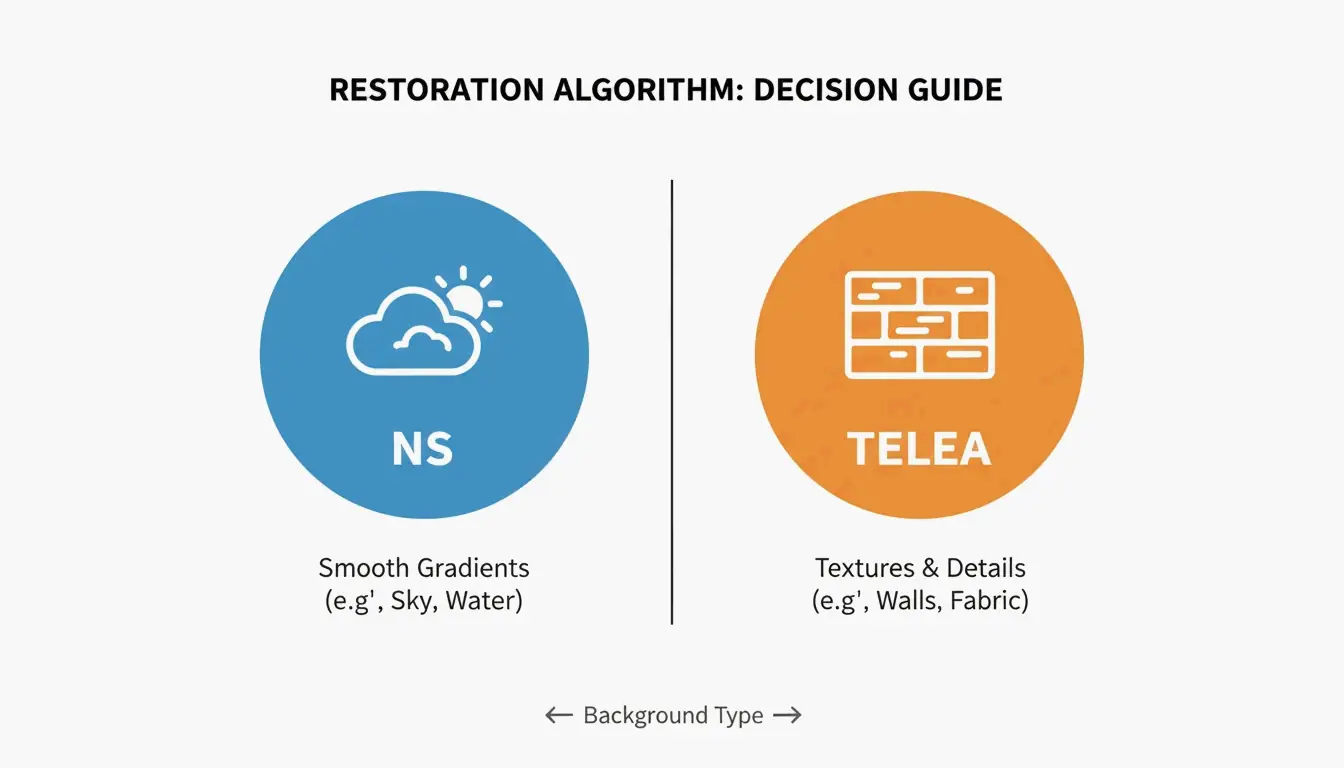
Software Inpainting: When to use NS vs. TELEA algorithms

When the math does not work perfectly, hybrid tools use “Inpainting” to tidy up. Choose your algorithm based on the background:

Algorithm Best For How It Works
Navier-Stokes (NS) Smooth areas (skies, blurred backgrounds) Flows surrounding colors into the spot
TELEA Textured surfaces (concrete, wood, fabric) Fast pixel interpolation from boundaries

Comparison of NS (Smooth) vs TELEA (Textured) application scenarios

The “Smart Crop” Fail-Safe

If the background is just too complex to fix, the Smart Crop Method is the most reliable backup. Tools like Wilnexo automate this by cutting a precise 56px to 128px strip off the bottom. It gets rid of the watermark completely, though it will slightly change the shape of your image.

Conclusion

The “Nano Banana” 2 watermark can be mathematically reversed with tools like GeminiWatermarkTool, but the invisible SynthID tracking is a permanent part of Google’s ecosystem. For the best results in 2026, use Reverse Alpha Blending rather than generic erasers to keep your image textures sharp. For pros, remember to use a C2PA-compliant scrubber if you need to clear the metadata. Just keep in mind: a clean-looking image is not the same as an anonymous one — SynthID can still be detected by specialized software even after the star is gone.

FAQ

Does upgrading to Gemini Advanced or Pro remove all watermarks automatically?

No, Google maintains watermarks for AI safety compliance across all tiers, including paid subscriptions. Advanced and Pro users in 2026 still see the “Nano Banana” star on generated outputs. While some regions may offer “watermark-free” downloads for specific enterprise tiers, the default behavior for Gemini remains to include visible and invisible markers.

Why can’t SynthID invisible watermarks be removed by standard editing tools?

SynthID is embedded in the pixel frequency domain rather than being a surface-level overlay. It is adversarially trained to resist common transformations. Standard editing actions — such as cropping the visible star, adjusting colors, or adding noise — do not disrupt the underlying mathematical pattern enough to prevent AI detectors from identifying the image’s synthetic origin.

Is it illegal to remove Gemini watermarks for professional client presentations?

Legality depends on your jurisdiction and Google’s specific Terms of Service. Generally, removing watermarks for internal use or personal presentations is permitted. However, commercial redistribution may require “AI-generated” disclosure per C2PA standards. It is recommended to consult local intellectual property laws if you intend to use cleaned images for public-facing commercial advertisements.

SJ

About the Author

獨立開發者

我是一名獨立開發者,專注於構建 iOS 和 Web 應用程序,致力於打造實用的 SaaS 產品。我擅長 AI SEO,不斷探索智能技術如何推動可持續增長和效率提升。

Last reviewed 2026年5月16日. This article is reviewed for accuracy and updated when tooling or platform behavior changes.

分享文章