The Ultimate Guide to Lossless Image Compression: Maximize Quality and Performance in 2026
Table of Contents
As of March 2026, lossless image compression reduces file sizes by 5-30% — and up to 50% with modern formats like AVIF and WebP — by removing redundant data without sacrificing a single pixel. Unlike lossy methods, lossless compression ensures bit-for-bit reconstruction of the original image, making it essential for logos, text-heavy graphics, and professional workflows that demand pixel-perfect fidelity and optimized Core Web Vitals.
What Is Lossless Image Compression? Understanding the Mechanics
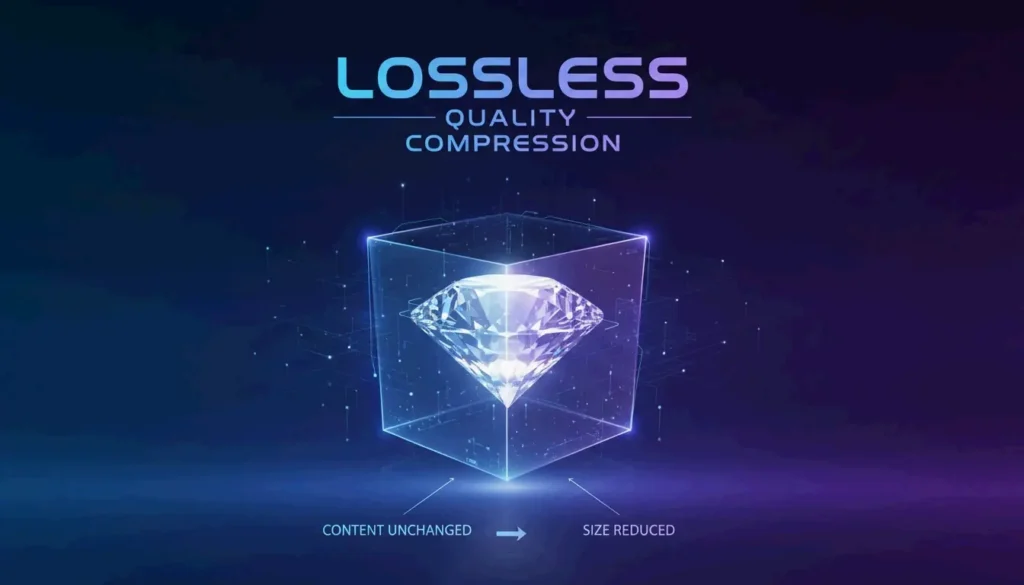
Lossless image compression is a technical standard that shrinks a digital file while allowing exact reconstruction of the original data. According to Wikipedia, this works by eliminating statistical redundancy rather than discarding visual details.
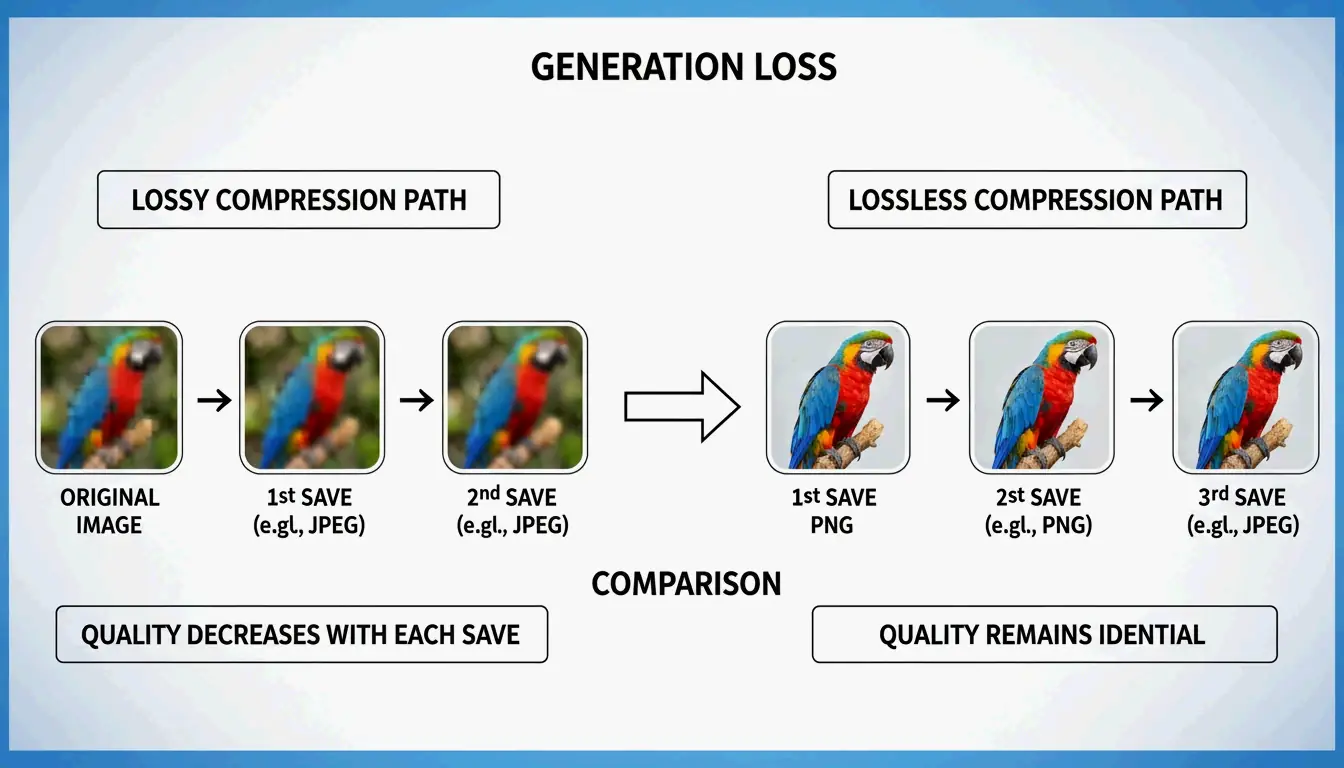
The core difference is mathematical. Lossy formats like JPEG use the Discrete Cosine Transform (DCT) to approximate pixel values and discard fine details. Lossless compression preserves every R, G, B, and alpha channel value exactly as recorded in the source. This prevents Generation Loss — the progressive quality degradation that occurs when a file is repeatedly opened, edited, and saved in a lossy format. Convertio reports that JPEG quality can visibly degrade after just 3-5 save cycles, while lossless files remain identical regardless of how many times they are saved.

The Science of DEFLATE: How PNGs Stay Sharp
The most common lossless engine on the web is the DEFLATE algorithm, which powers the PNG format. As Pixotter explains, this operates in two stages:
- Filtering: Converts raw pixels into “residuals” (differences between neighboring pixels).
- Compression: Packs residuals using LZ77 dictionary matching and Huffman coding.
This two-stage process is why sharp edges and solid colors in logos remain perfectly crisp in PNG format.
Lossless WebP vs. PNG: The 2026 Standard for Web Performance
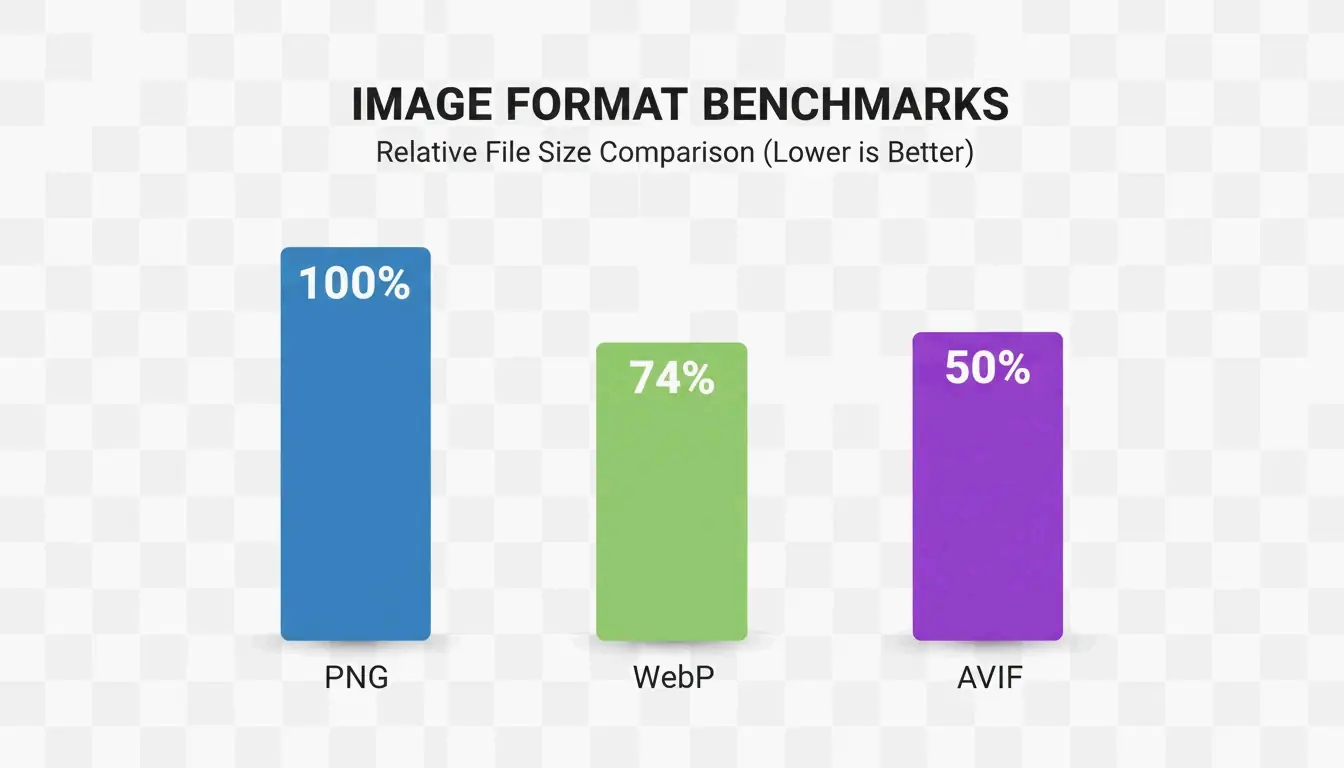
By 2026, Lossless WebP has largely replaced PNG as the default choice for web graphics. Benchmarks cited by MeloTools show that Lossless WebP produces files approximately 26% smaller than PNGs while maintaining identical pixel-perfect quality.
| Format | Compression Ratio | Transparency | Browser Support (2026) | Best Use Case |
|---|---|---|---|---|
| PNG | Baseline | Full alpha | 100% | Legacy compatibility |
| Lossless WebP | ~26% smaller than PNG | Full alpha | 97% | Web graphics, logos |
| AVIF | ~50% smaller than PNG | Full alpha | 93-95% | Maximum compression |
The shift toward WebP is driven by Core Web Vitals targets, specifically Largest Contentful Paint (LCP). Smaller files mean hero images and UI elements load faster, directly improving search rankings. Resizo confirms that switching from PNG to Lossless WebP is the fastest way to save bandwidth without any visible quality loss.
Is AVIF the Future of Lossless Compression?
AVIF represents the next efficiency tier. It uses the advanced AV1 encoder to achieve superior compression ratios. According to MeloTools, AVIF can cut total payload sizes by 50% compared to older formats. One case study documented a 73% reduction in total page weight simply by migrating to AVIF and WebP.

The trade-off is encoding speed. Data from Pixotter shows that AVIF encoding can be 47x slower than WebP or JPEG. For most production sites, the bandwidth savings justify the processing time. The recommended 2026 approach: serve AVIF to the 93-95% of browsers that support it, with WebP or PNG as a fallback.
The Decision Matrix: When to Choose Lossless vs. Visually Lossless
| Image Type | Recommended Format | Quality Setting | Rationale |
|---|---|---|---|
| Logos and UI Graphics | Lossless WebP or PNG | 100% | Prevents ringing artifacts on sharp edges |
| Hero Photography | Lossy WebP or AVIF | 80-85% | Visually identical, 10-18x smaller |
| Archives / Medical / Legal | True Lossless PNG | 100% | Every bit must be preserved |
| Mixed-Content Sites | Lossy at 80% quality | 80% | Sweet spot for quality and size |
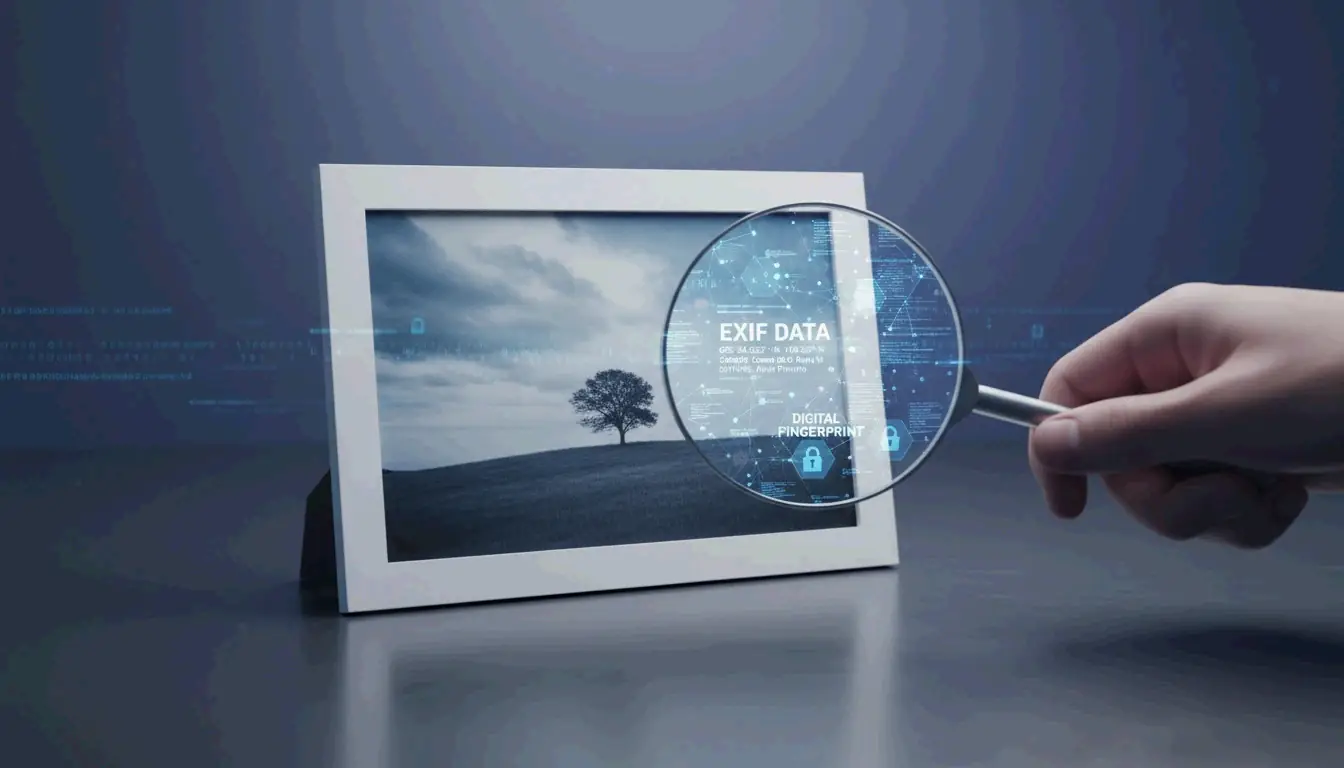
Convertio reports that a 36 MB raw image can compress to a 2-4 MB JPEG at quality 85 with no perceptible difference. Additionally, removing EXIF metadata (GPS, camera info) saves 10-25 KB per image without affecting visual quality, as noted by MeloTools.
Local Tools and Privacy: Compressing Without Data Leaks
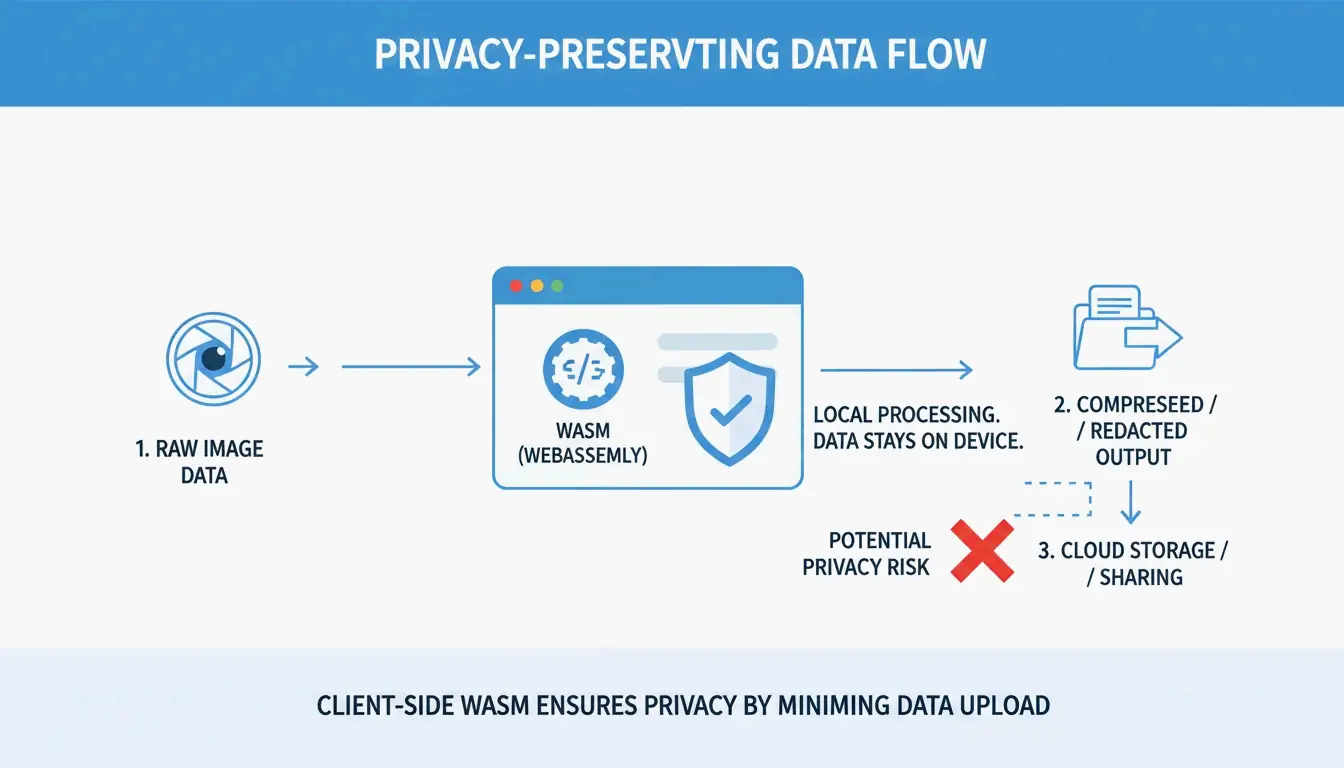
In high-security fields like healthcare and law, privacy is as critical as file size. Many online compressors upload files to remote servers, creating potential GDPR or HIPAA exposure. MeloTools and Resizo recommend browser-based local processing via WASM. With this method, compression happens entirely in your computer’s memory — the image never leaves your device.

Privacy verification test: Open the tool, then disable Wi-Fi. If it continues to function, it uses WASM or HTML5 Canvas and is safe for sensitive documents.
Conclusion
In 2026, lossless image compression extends well beyond PNG. WebP and AVIF are now essential for balancing pixel-perfect quality with modern web performance. While PNG remains a reliable fallback, newer formats deliver equivalent quality with significantly less data.
Actionable steps:
- Audit your current image assets.
- Migrate sharp UI elements and logos to Lossless WebP for ~26% file size savings.
- Use AVIF with proper fallbacks for hero images to boost LCP scores.
- Adopt local, browser-based compression tools to protect both performance and privacy.
FAQ
Can I convert a lossy JPEG back to a lossless PNG to restore its original quality?
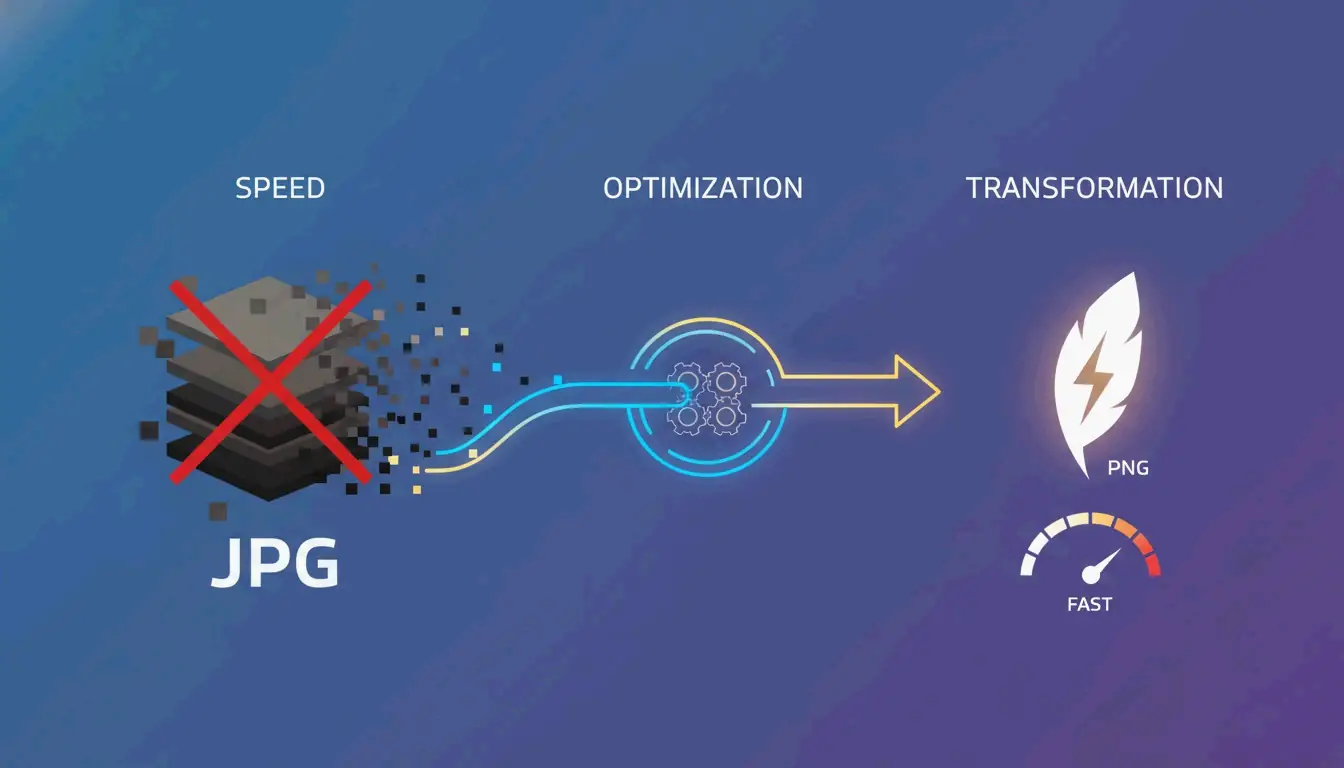
No. Once data is discarded during lossy compression (JPEG), it is permanently lost. Converting a JPEG to PNG will prevent further quality loss during future saves, but it cannot repair existing artifacts or reconstruct the original pixels that were removed by the JPEG algorithm.
About the Author
獨立開發者我是一名獨立開發者,專注於構建 iOS 和 Web 應用程序,致力於打造實用的 SaaS 產品。我擅長 AI SEO,不斷探索智能技術如何推動可持續增長和效率提升。
Last reviewed 2026年5月16日. This article is reviewed for accuracy and updated when tooling or platform behavior changes.