Auto Resize Gratis: Las Mejores Herramientas Basadas en Navegador para Optimización Instantánea de Imagen y Video
Tabla de contenidos
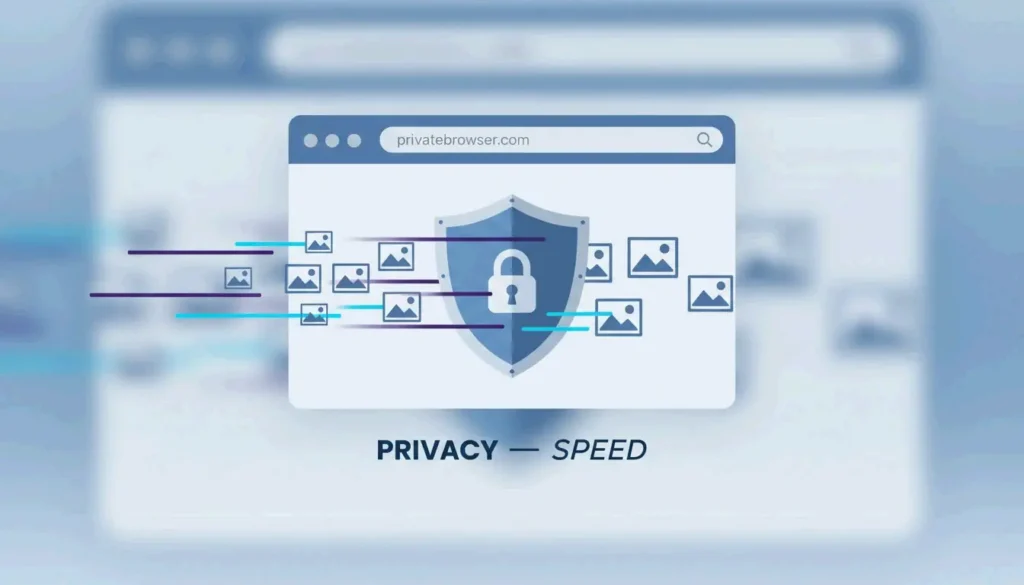
A partir de abril de 2026, puedes auto resize gratis usando herramientas basadas en navegador como BIRME o FastTool. Estas plataformas aprovechan el Procesamiento del Lado del Cliente (WASM) para garantizar 100% de privacidad y cero pérdida de calidad. Las imágenes se procesan localmente, sin registros, sin marcas de agua y sin subidas a servidores — entregando resultados instantáneos y seguros.
Cómo Hacer Auto Resize Gratis Usando Procesamiento del Lado del Cliente
Para 2026, el procesamiento de imágenes ha cambiado de forma fundamental. Ya no es necesario subir archivos privados a servidores remotos. Las herramientas modernas usan Procesamiento del Lado del Cliente, lo que significa que todo el trabajo ocurre en la memoria de tu navegador. Según BIRME, este enfoque centrado en la privacidad atiende a más de 50,000 usuarios mensuales a partir de abril de 2026, manteniendo las imágenes de forma segura en el propio dispositivo de cada usuario.
La velocidad y la seguridad provienen de WebAssembly (WASM). Como explica FastTool, WASM permite que las herramientas web funcionen a la velocidad del software de escritorio. Utiliza bibliotecas optimizadas para manejar operaciones exigentes — remuestreo de alta calidad, edición masiva — de forma instantánea en todo, desde potentes equipos de escritorio hasta teléfonos inteligentes básicos.
El Marco de Ejecución de 3 Pasos
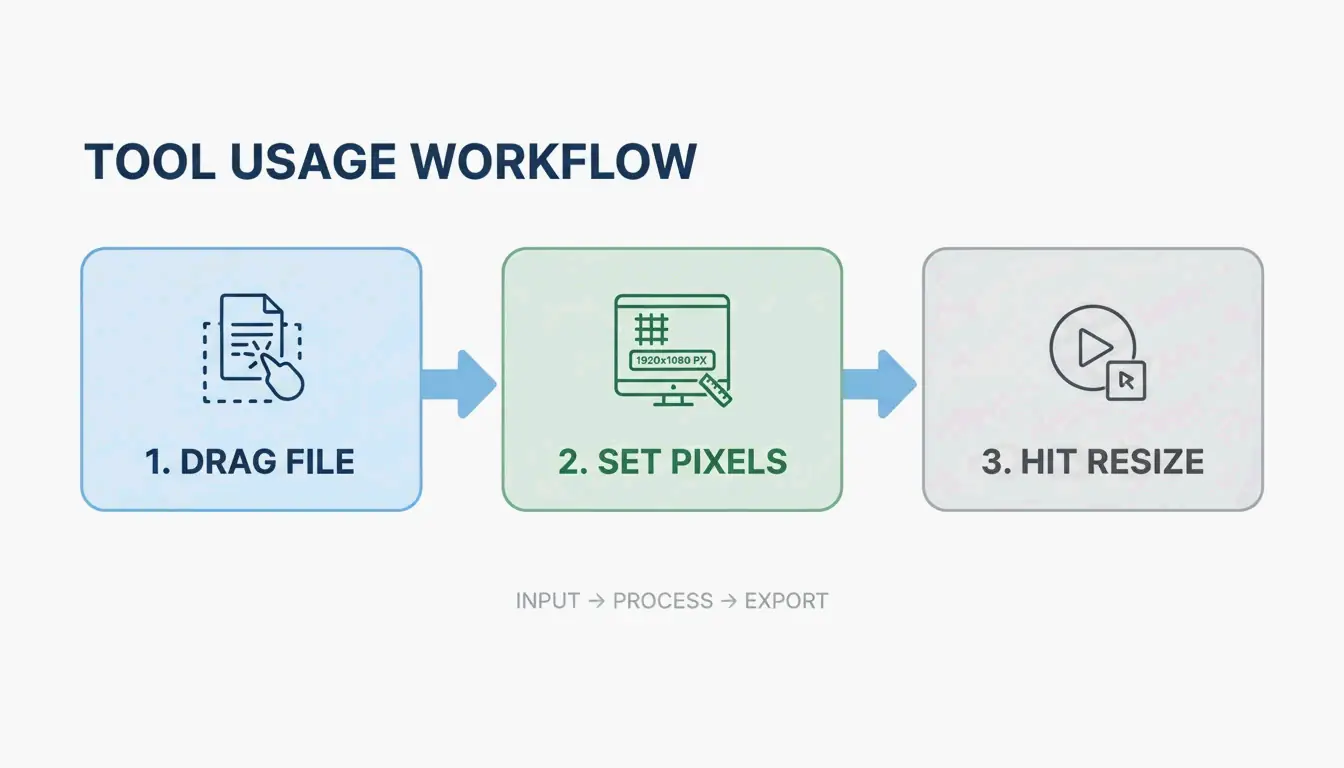
- Entrada: Arrastra tus archivos (JPG, PNG, WebP, AVIF o MP4) directamente a la ventana del navegador.
- Configuración: Ingresa las dimensiones de píxeles deseadas o elige un porcentaje. Asegúrate de que el «Bloqueo de Relación de Aspecto» esté activado para evitar estiramientos o aplastamientos.
- Exportación: Haz clic en «Redimensionar» para iniciar el motor WASM. Los archivos están listos para descarga inmediata, normalmente como un archivo ZIP para el procesamiento por lotes.
Por Qué el SEO Moderno en 2026 Requiere Formatos AVIF y WebP
Para cualquiera que publique en línea, redimensionar es más que hacer que una imagen encaje en un contenedor — impacta directamente en la velocidad del sitio y en el posicionamiento de búsqueda. En 2026, los estándares de SEO se centran fuertemente en Core Web Vitals, lo que exige una transición de formatos heredados como JPG y PNG a AVIF y WebP. AVIF es particularmente eficaz porque mantiene la nitidez visual mientras reduce drásticamente el tamaño del archivo.
| Formato | Eficiencia de Compresión | Soporte de Navegador (2026) | Mejor Para |
|---|---|---|---|
| AVIF | Máxima (50-60% vs JPEG) | ~93% | Compresión máxima |
| WebP | Alta (25-34% vs JPEG) | ~97% | Equilibrio entre tamaño y compatibilidad |
| JPEG | Línea base | 100% | Compatibilidad universal |
| PNG | Baja para fotos | 100% | Transparencia, bordes nítidos |
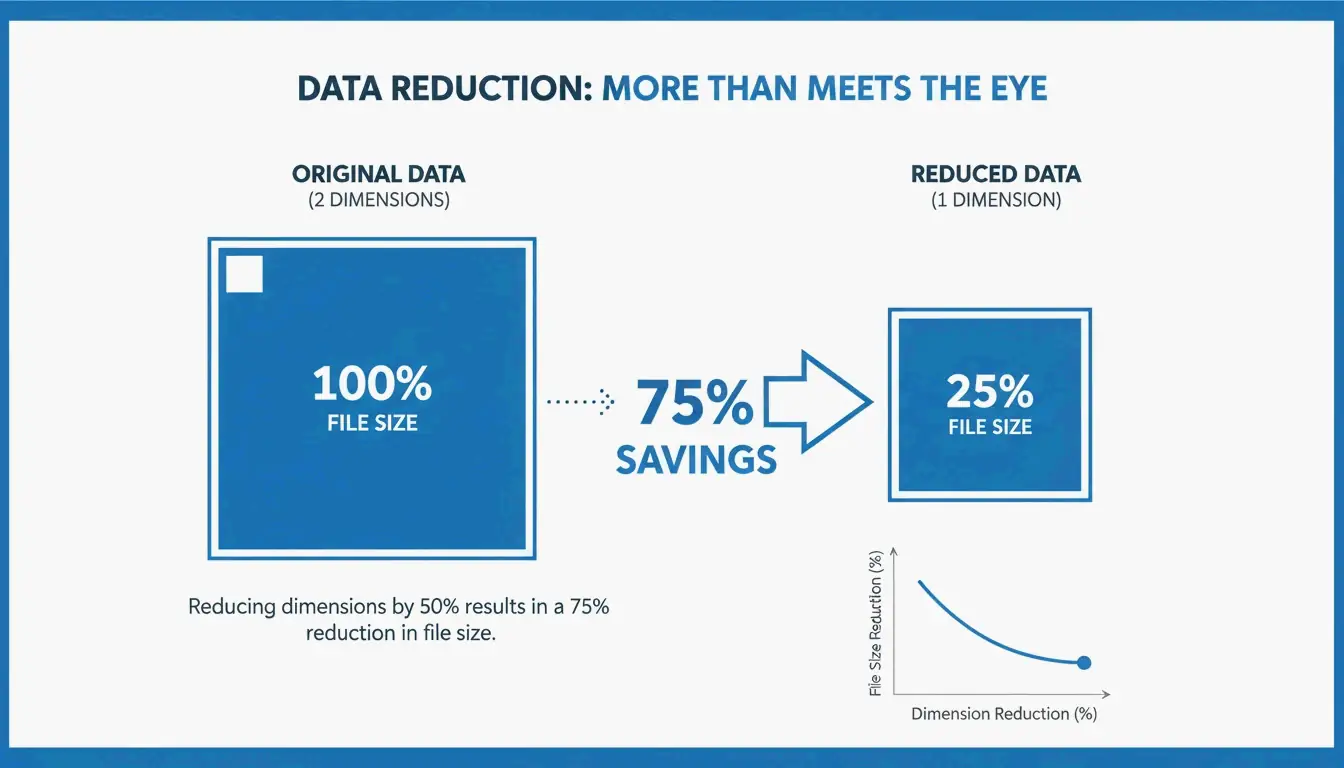
Las dimensiones tienen un impacto mayor en el tamaño del archivo del que muchos creen. Según Utilko, reducir a la mitad las dimensiones de una imagen (por ejemplo, de 4000×3000 a 2000×1500) puede disminuir el tamaño del archivo en aproximadamente 75%. Dado que el ancho y la altura se reducen simultáneamente, la cantidad total de datos disminuye rápidamente, mejorando significativamente los tiempos de carga de la página en dispositivos móviles.
Presets de Redes Sociales: Optimización en un Clic para Cada Plataforma
Mantener la consistencia de marca entre plataformas requiere seguir Presets de Redes Sociales específicos. Instagram, TikTok y YouTube aplican requisitos estrictos de dimensiones. Las imágenes que no cumplen son comprimidas automáticamente por la plataforma, lo que a menudo genera desenfoque o recortes incorrectos.
| Plataforma | Formato | Dimensiones |
|---|---|---|
| Instagram Cuadrado | Post del feed | 1080 x 1080 px |
| Instagram Reels | Video corto | 1080 x 1920 px |
| YouTube Thumbnails | Miniatura de video | 1280 x 720 px |
| Shopify Cuadrícula de Producto | Comercio electrónico | 800 x 800 px |
Las herramientas profesionales aplican un Bloqueo de Relación de Aspecto para que, al cambiar el ancho, la altura se ajuste automáticamente de forma proporcional. Herramientas avanzadas como BIRME también usan Detección Automática del Punto Focal (smartcrop) para identificar la parte más importante de la foto — normalmente un rostro — y asegurar que no se corte durante el redimensionado. Esto es particularmente valioso para los comerciantes de Shopify que usan encuadres cuadrados de 800×800 para cuadrículas de producto consistentes.
Eficiencia a Escala: Dominio del Redimensionado por Lotes para Flujos de Trabajo Profesionales
Para proyectos de alto volumen, el Redimensionado por Lotes es el único enfoque práctico. Las herramientas modernas de navegador pueden procesar largas colas de imágenes sin congelarse, usando «dirty-row tracking» y renderizado fuera de pantalla para mantener un rendimiento fluido.
La calidad de las imágenes redimensionadas depende del algoritmo de remuestreo. FastTool señala que el remuestreo Lanczos generalmente produce resultados superiores para fotos en comparación con los métodos Bilinear estándar, porque evalúa un área de píxeles más amplia para preservar la nitidez.
| Método de Remuestreo | Calidad | Velocidad | Mejor Para |
|---|---|---|---|
| Lanczos | Alta | Media | Fotos, imágenes detalladas |
| Bilinear | Media | Rápida | Vista previas rápidas |
| Nearest Neighbor | Baja | La más rápida | Arte de píxeles |
Además, muchos profesionales en 2026 usan Limpieza de Metadatos EXIF para eliminar datos ocultos — como coordenadas GPS — antes de que las imágenes se publiquen. Esto añade una capa de seguridad tanto para creadores como para clientes.
Conclusión
El redimensionado automático en 2026 se trata de privacidad, velocidad y elegir los formatos correctos como AVIF. La tecnología WASM del lado del cliente permite manejar de forma segura archivos sensibles y medios de alta resolución sin exponer los datos. Para obtener resultados óptimos, usa una herramienta local como BIRME o FastTool, mantén el Bloqueo de Relación de Aspecto activado y exporta en AVIF para impulsar el rendimiento de SEO. Este flujo de trabajo mantiene los elementos visuales nítidos, seguros y listos para la web moderna.
Preguntas Frecuentes
¿Es seguro redimensionar documentos privados o fotos usando herramientas en línea?
Sí, pero solo si la herramienta usa específicamente procesamiento del lado del cliente (WASM o JavaScript). En este modo, tus fotos se procesan completamente dentro de tu navegador y nunca se suben a un servidor remoto. Antes de usar cualquier herramienta, busca las etiquetas «Sin Subida», «100% del Lado del Cliente» o «Procesamiento Local» para verificar la privacidad de los datos.
¿Por qué mi imagen se ve pixelada después de redimensionarla a un tamaño mayor?
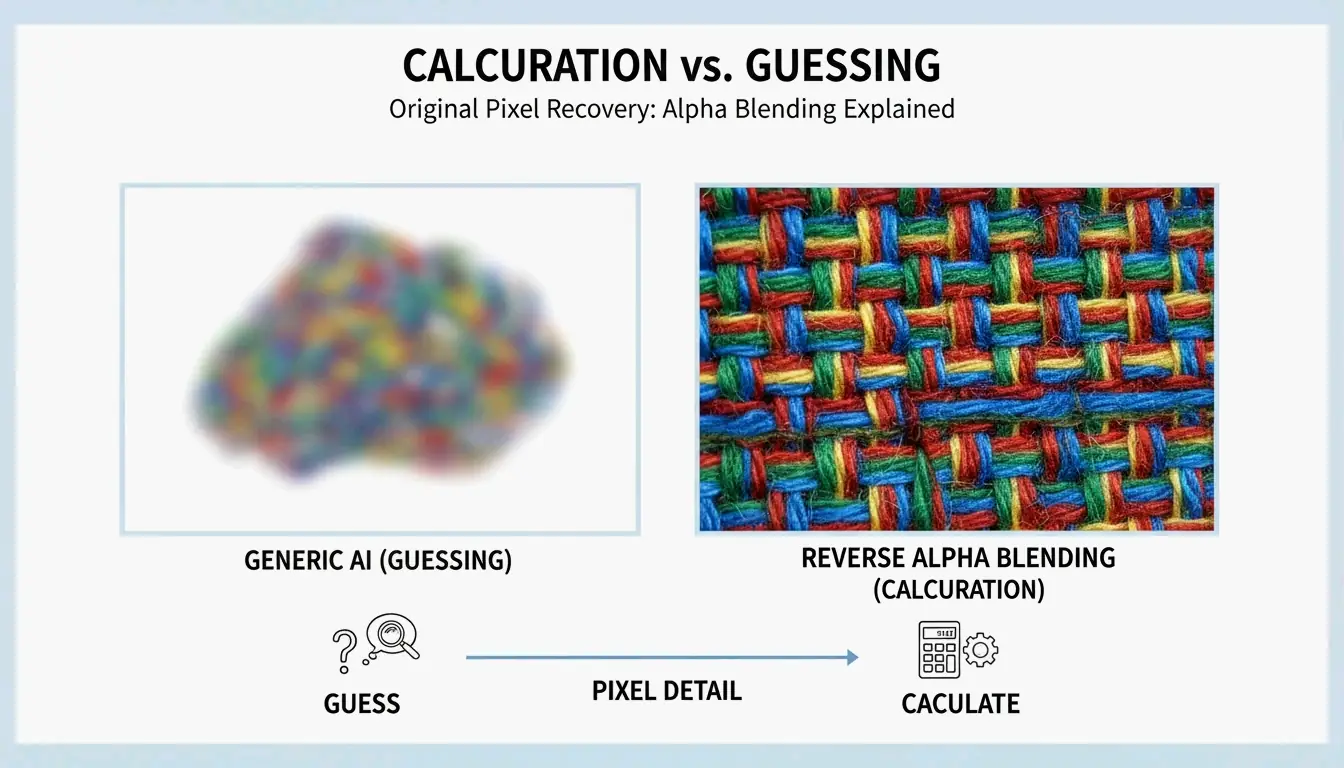
La pixelación ocurre porque los redimensionadores estándar usan interpolación, que solo puede aproximar nuevos píxeles en lugar de crear detalles reales. Reducir dimensiones (hacer una imagen más pequeña) es seguro y mantiene la claridad. Ampliar inevitablemente conduce a desenfoque. Para resultados profesionales, siempre comienza con la fuente de mayor resolución disponible o usa herramientas especializadas de ampliación basadas en IA.
¿Cómo puedo redimensionar una imagen a un tamaño de archivo específico (KB) para correo electrónico?
Para alcanzar un límite objetivo de KB: primero redimensiona las dimensiones de píxeles a un ancho apropiado para la web (800px o 1200px). Luego, ajusta el control deslizante de calidad — normalmente 70-80% es el rango óptimo. Finalmente, exporta en formato AVIF o WebP, ya que estos formatos modernos ofrecen relaciones de compresión a calidad significativamente mejores que los JPEG tradicionales.
Sobre el autor
Indie Hacker & DesarrolladorSoy un indie hacker que construye aplicaciones iOS y web, enfocado en crear productos SaaS practicos. Me especializo en AI SEO, explorando constantemente como las tecnologias inteligentes pueden impulsar el crecimiento sostenible y la eficiencia.
Última revisión 1 de julio de 2026. Este artículo se revisa para garantizar su precisión y se actualiza cuando cambian las herramientas o el comportamiento de la plataforma.
Política editorial
Cómo ImageLean investiga, prueba y actualiza las guías publicadas.
Divulgación de publicidad
Cómo gestionamos la publicidad, los patrocinios y la monetización en el sitio.
Enfoque de privacidad
Por qué nuestras herramientas priorizan la privacidad y cómo funciona el procesamiento basado en el navegador.