How to Compress and Resize Images for Web and Social Media (2026 Guide)
Table of Contents
Compressing and resizing images effectively in 2026 requires tools like Adobe Photoshop, Microsoft PowerToys, or browser-based platforms like Imgresizer.io. Adjust pixel dimensions for your target platform and set JPEG quality to 70-80%, or switch to AVIF format to reduce file weight without losing visual clarity.
Mastering the Balance: How to Compress and Resize Images Without Quality Loss
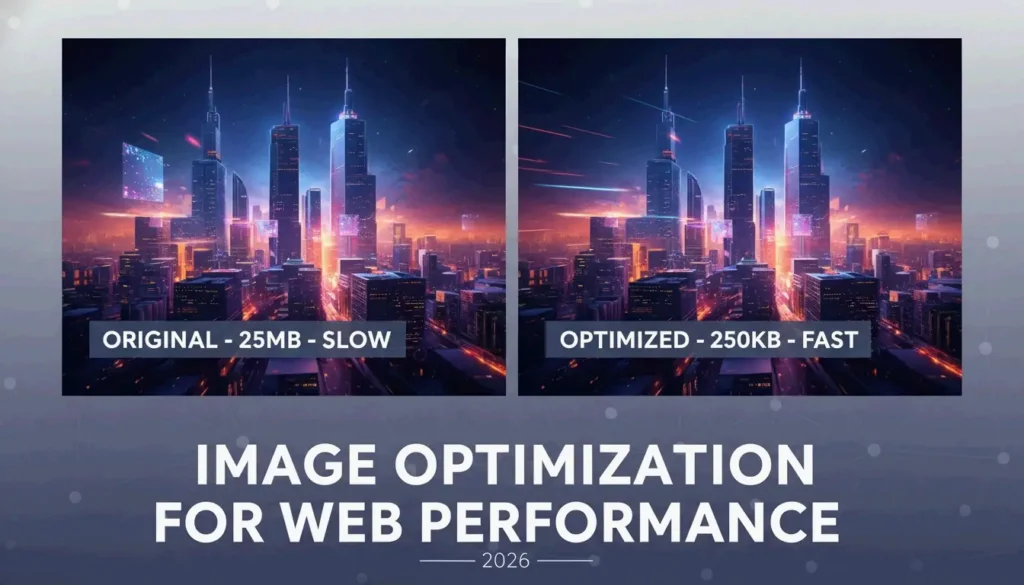
Optimizing visuals for the web is a two-step process: adjust physical dimensions (resizing), then reduce data density (compression). According to Business.com, standard JPEG compression typically cuts file size by 40-60%, striking a balance between professional quality and lightweight files.
Step 1: Adjusting Pixel Dimensions (Resizing)
Resizing changes the total pixel count to match where the image will be displayed. If your website hero banner is 1200px wide, uploading a 4000px original wastes bandwidth.
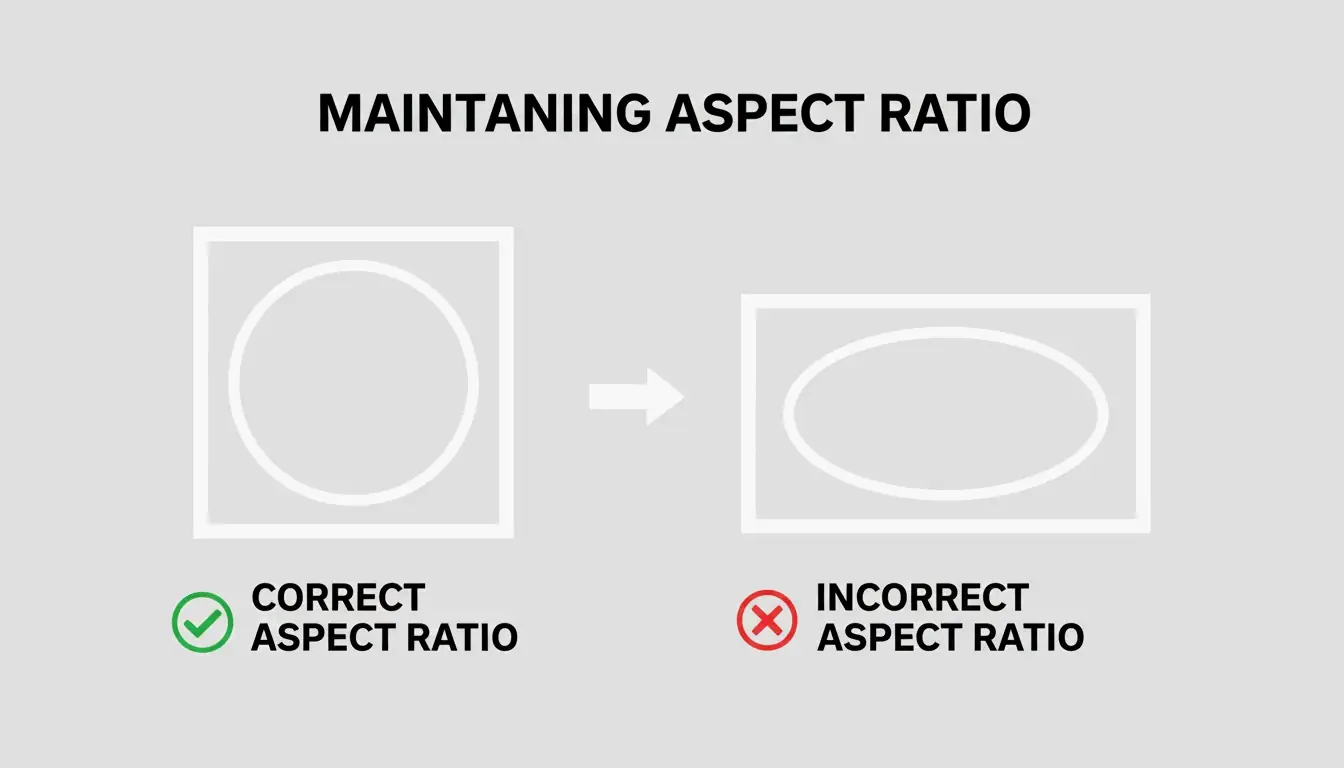
Always lock the Aspect Ratio. Without it, images appear stretched or squashed. Tools like EverydayTools let you set the width while automatically calculating the height to maintain proper proportions.
Step 2: Applying Compression Algorithms
Once dimensions are set, compression reduces file size further.
| Compression Type | How It Works | File Size Impact | Best For |
|---|---|---|---|
| Lossy (JPEG 70-80%) | Strips high-frequency data invisible to the eye | 50-70% smaller | Web, social media |
| Lossless (PNG, WebP lossless) | Removes redundancy without data loss | 20-40% smaller | Logos, text graphics, archival |
In 2026, the standard JPEG / JPG quality setting is 70-80%. This removes fine details the human eye cannot distinguish without creating visible artifacts.
Why Image Optimization is Critical for Core Web Vitals (LCP)
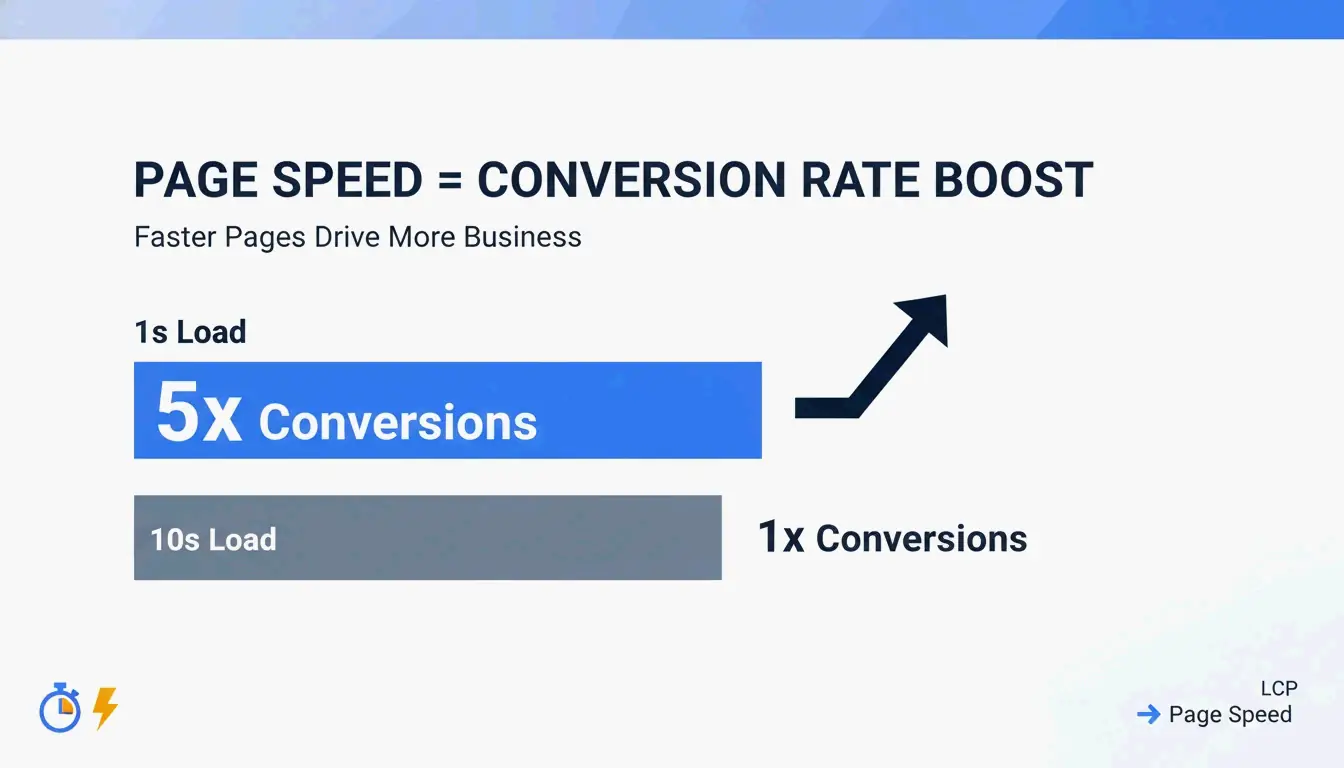
Image optimization is a basic SEO requirement in 2026. Google’s Core Web Vitals use Largest Contentful Paint (LCP) to measure how quickly the largest visual element (typically a hero image) loads. Large, unoptimized images are the primary cause of slow LCP scores, which directly hurt search rankings.
The business impact is measurable:
| Load Time | Conversion Impact | Source |
|---|---|---|
| 1 second | 5x higher conversion than 10s sites | Illustrate Digital |
| 3+ seconds | 53% of mobile users abandon | Industry benchmark |
| 10 seconds | Lowest conversion rates | Illustrate Digital |
A 2026 report from the Baymard Institute found that 62% of e-commerce sites still struggle with slow visuals, leading to frustrated users and high bounce rates.
AVIF vs. WebP: Which Format Should You Choose in 2026?
| Format | Efficiency vs. JPEG | Detail Preservation | Browser Support (2026) |
|---|---|---|---|
| WebP | 25-30% smaller | Good | Broad |
| AVIF | 30-50% smaller | Better (high-detail areas) | Growing, modern browsers |
| JPEG | Baseline | Standard | Universal |
AVIF has become the preferred next-gen format for SEO in 2026. It is approximately 25-30% more efficient than WebP and preserves high-detail areas more effectively. The recommended approach is a “fallback” system: serve AVIF when supported, fall back to WebP or JPEG for older browsers.
Best Tools to Compress and Resize Images: From Pro to Privacy-First
Quality directly affects revenue. Salsify’s 2025 Consumer Research Report found that 42% of shoppers abandon a purchase if product images are missing or look low-quality.
Offline and Bulk Processing for Windows/Mac
| Tool | Platform | Key Feature | Best For |
|---|---|---|---|
| Adobe Photoshop | Win/Mac | Color profiles, batch exports, full control | Professional work |
| Microsoft PowerToys | Windows | Right-click resize in File Explorer, bulk presets | Fast batch processing |
Microsoft PowerToys adds a shortcut to File Explorer for right-click bulk resizing of hundreds of images using “Fit,” “Fill,” or “Stretch” presets.
Zero-Upload Web Tools for Maximum Privacy
For sensitive client assets, privacy is paramount. Tools like Imgresizer.io and EverydayTools use the HTML Canvas API, processing images entirely inside your browser’s memory. Since nothing is uploaded to a server, these “Zero-Upload” tools are the safest option for compression and format conversion.
Automation and AI: Using MCP and Code for Image Processing
Image optimization is moving toward automation. Developers can build custom resizers using HTML Canvas and JavaScript:
| Method | API Call | Use Case |
|---|---|---|
| Draw to canvas | drawImage() at specific sizes |
Resizing |
| Export as data URL | toDataURL() |
Quick format conversion |
| Export as blob | toBlob() |
Quality-controlled file export |
The AI Workflow: Resizing via Chat Prompts
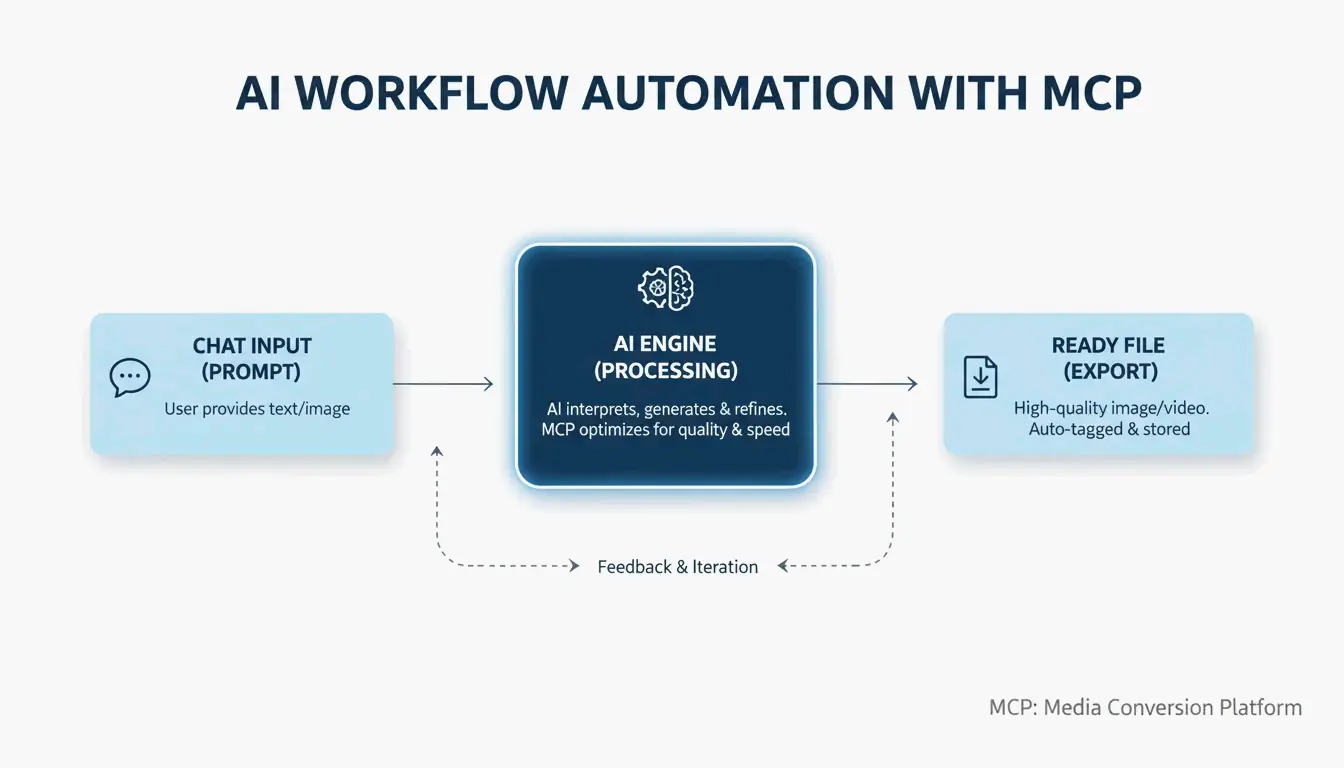
A major 2026 trend is the Model Context Protocol (MCP). As noted by Iteration Layer, MCP lets AI assistants like Claude or Cursor connect directly to image tools. Instead of opening a separate app, you can instruct the AI: “Resize this PNG to 800×600, convert it to WebP, and keep it under 200KB.” The AI handles the math and conversion without leaving your code editor.
Conclusion
Image optimization is a two-part job: resizing dimensions and compressing data. In 2026, using next-gen formats like AVIF and local-processing tools is the best approach for both privacy and SEO. Check your site’s LCP on PageSpeed Insights, then use a bulk tool like Microsoft PowerToys or an AI-driven MCP workflow to replace heavy JPEGs with lean, fast AVIF files.
FAQ
How can I resize an image without uploading it to a server for privacy?
Use browser-based tools that utilize the HTML Canvas API, such as Imgresizer.io. These tools process images locally in your browser’s memory — the file never leaves your device. Alternatively, use offline software like Microsoft PowerToys or Adobe Photoshop to handle all processing on your local hard drive.
What is the difference between Lossy and Lossless compression for JPEGs?
Lossy compression permanently removes subtle data to reduce file size significantly. A 75% quality setting is the “sweet spot” for web performance. Lossless compression reduces size without removing any data, allowing full restoration to the original state. Lossless is better for professional archiving but results in larger files.
What are the recommended dimensions for social media in 2026?
| Platform | Content Type | Dimensions | Notes |
|---|---|---|---|
| Square posts | 1080x1080px | Standard feed | |
| Portrait posts | 1080x1350px | Maximum engagement | |
| Cover photos | 820x312px | Desktop and mobile | |
| Company pages | 1128x191px | Banner format |
For high-DPI or Retina displays, export at 2x these dimensions (e.g., 2160x2160px for Instagram square) to ensure sharpness on modern mobile screens.
About the Author
Indie Hacker & DeveloperI'm an indie hacker building iOS and web applications, with a focus on creating practical SaaS products. I specialize in AI SEO, constantly exploring how intelligent technologies can drive sustainable growth and efficiency.
Last reviewed May 16, 2026. This article is reviewed for accuracy and updated when tooling or platform behavior changes.